
Xeneon Edge Widget For Outlook & Teams
Stay organized with Sidekick For Outlook & Teams, an interactive XENEON EDGE widget. Keep your calendar, inbox, and work conversations within reach while you work or game.
Respawn Companion
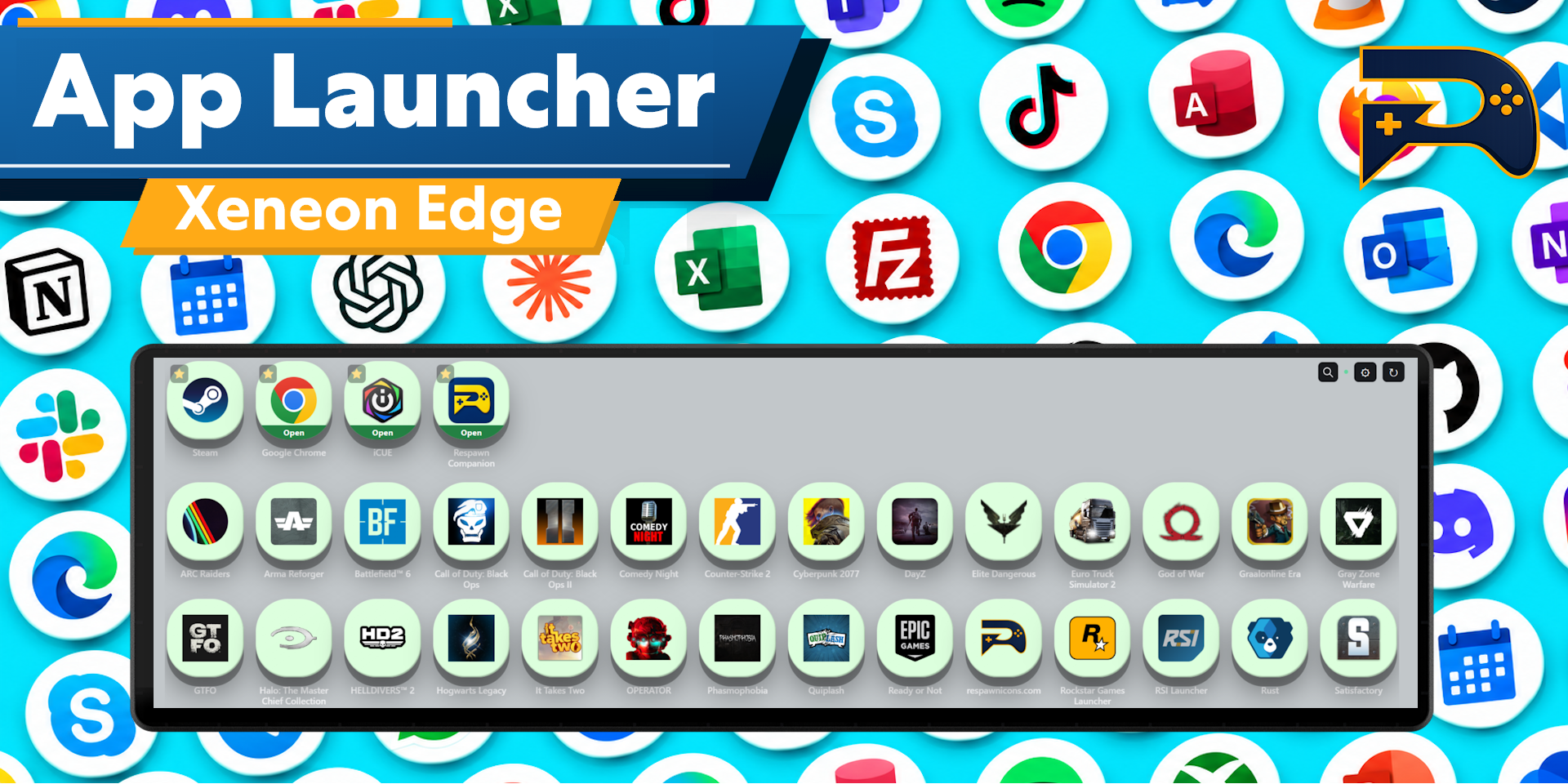
Includes Respawn Companion for game integration and widget configuration.
About Respawn Companion →About This Widget.
Stay organized with Sidekick For Outlook & Teams, an interactive XENEON EDGE widget. Keep your calendar, inbox, and work conversations within reach while you work or game.
What’s Included
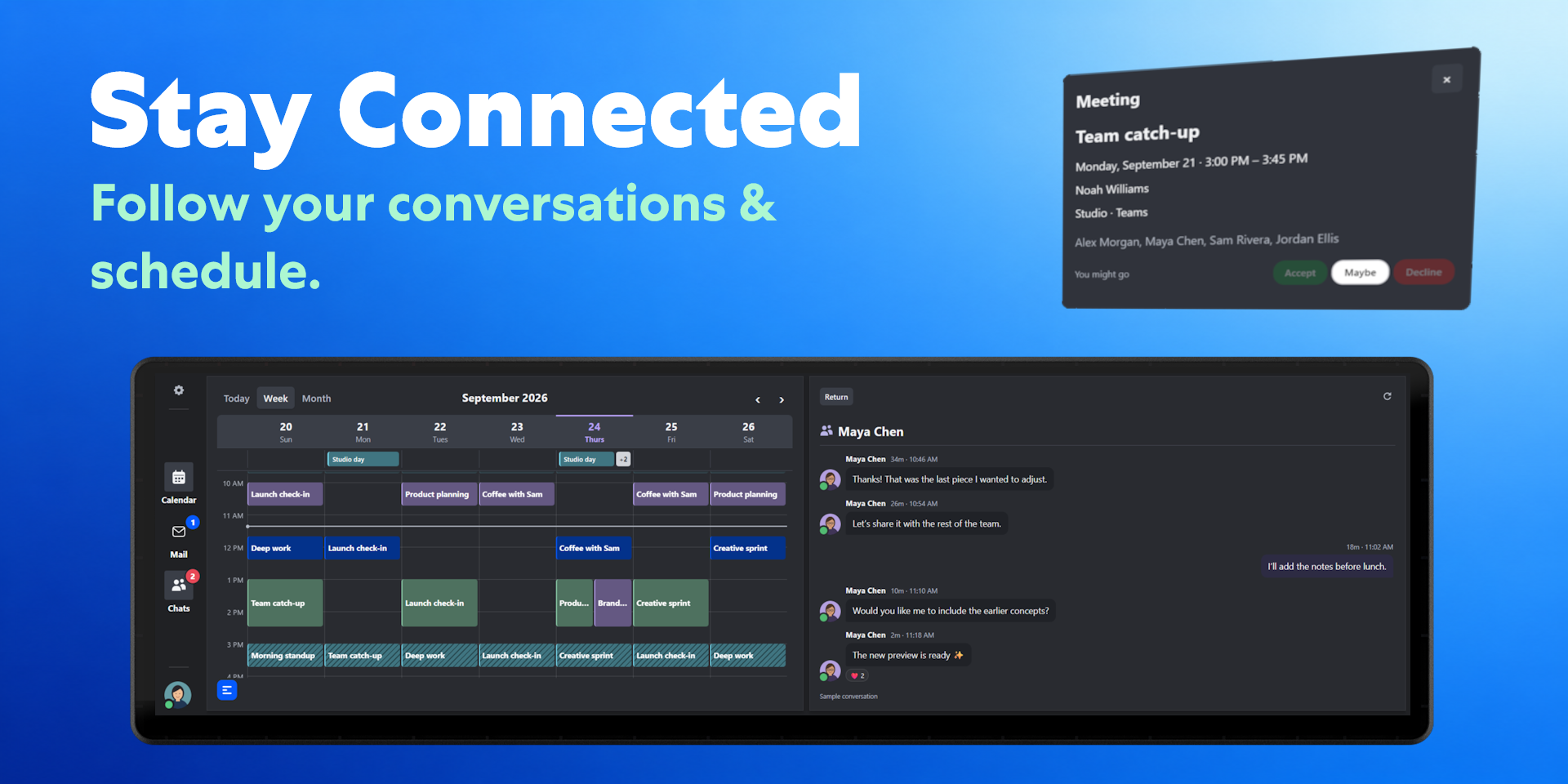
View your schedule with day, week, and month calendar views. See upcoming meetings, open event details, and accept, tentatively accept, or decline supported meeting invitations.
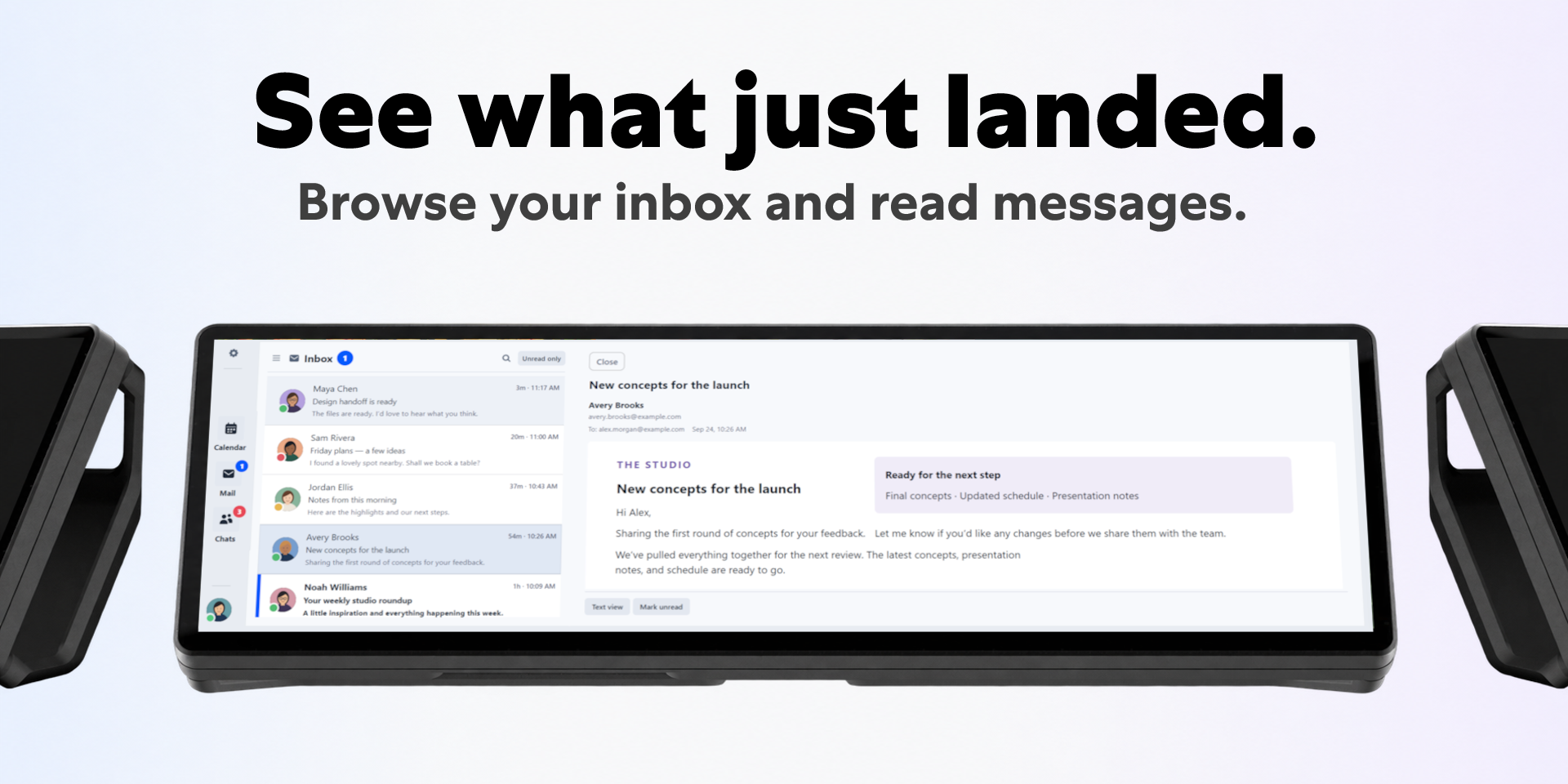
Read email, browse folders, filter unread messages, and change read or unread status. Follow supported Teams conversations, see contact availability, and manage your own Teams status and focus sessions.
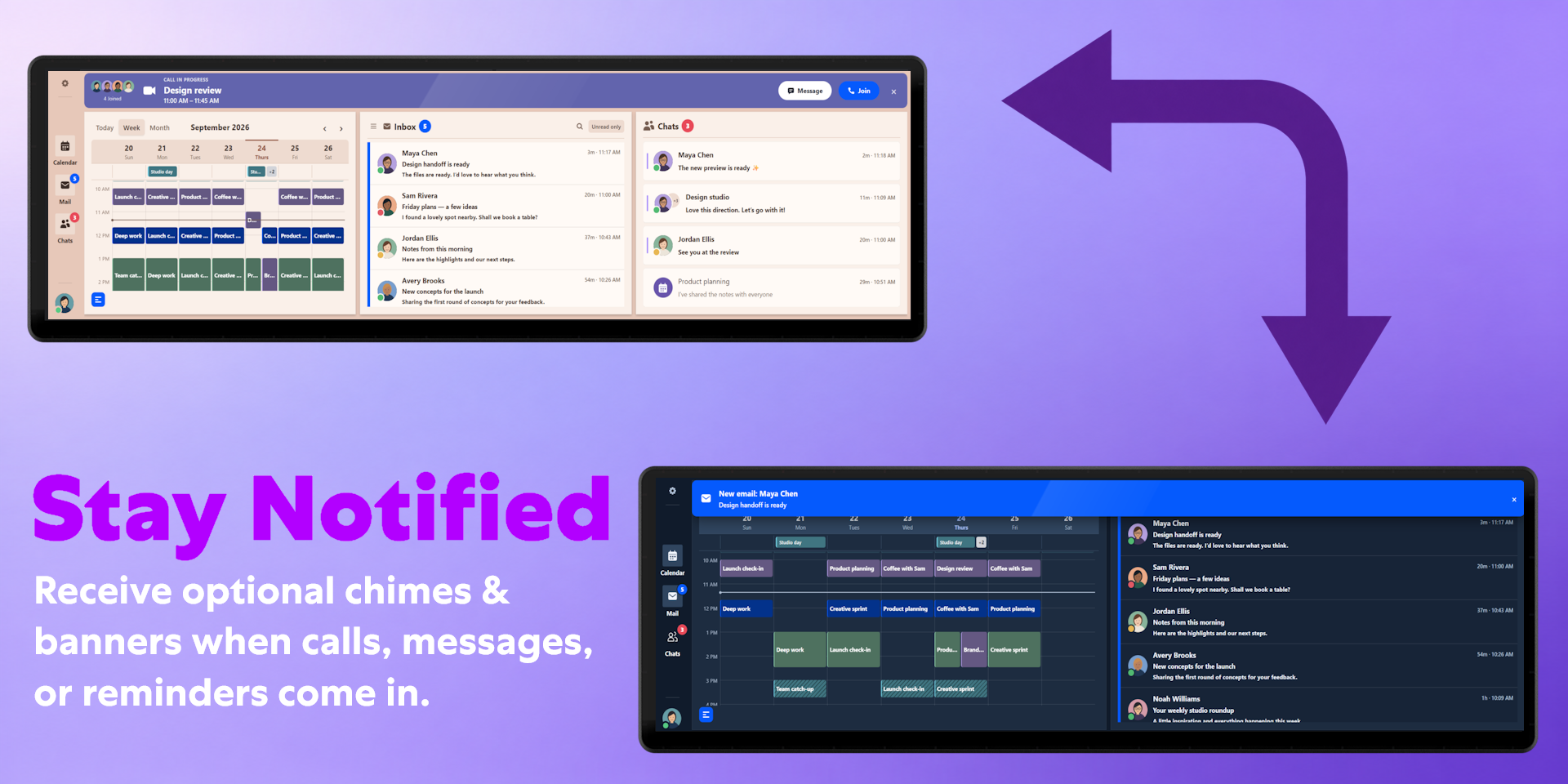
Connect multiple Microsoft accounts and switch between them. Show or hide Calendar, Mail, and Chats to give your preferred panels more room. Reply and message actions open Outlook or Teams for composing.
Customization
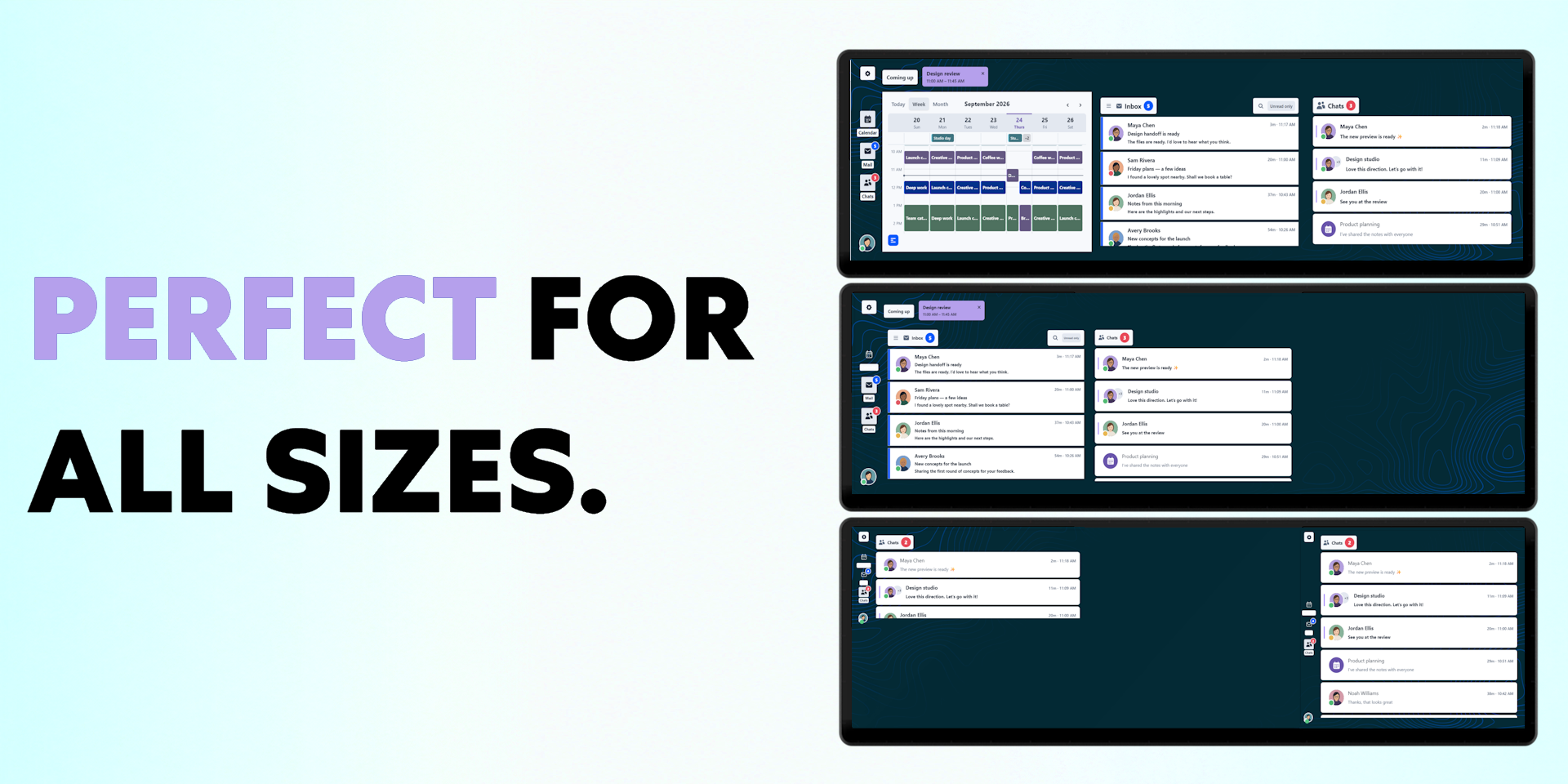
Choose through different appearance themes and arrange your view around the information you use most. Display your calendar, inbox, and chats together, or keep only the panels you need.
Sidekick adapts to different widget sizes and supports touchscreen and mouse navigation.
Work & School Accounts
Your organization may require administrator approval before Sidekick can connect. If Microsoft displays “Need admin approval,” your IT team must approve access. Respawn cannot override your organization’s restrictions.
Send your IT team our IT approval and permissions guide before purchasing. This is found at https://respawnicons.com/guide-outlook-teams.html It explains the requested permissions, where your data goes, and how to approve the app.
Personal Microsoft accounts support Outlook.com mail and calendars without organizational admin approval. Microsoft may still ask you to accept permission prompts. Teams chat features require a supported work or school account.
We are a verified Microsoft publisher and this application is approved from Microsoft. All data is local and Respawn Icons has no visibility into any user data.
Setup and Connectivity
Requires Respawn Companion to run. Install the module through our Companion, add the widget in iCUE, and choose Sign in with Microsoft.
Sign-in takes place on Microsoft’s own page. Review the requested permissions, then return to the widget.
The module connects directly to Microsoft. Your email, calendar, chat content, and access tokens are not sent to Respawn servers. Sign-in tokens are stored locally and protected using Windows encryption.
Compatibility
Designed for XENEON EDGE. Respawn Companion and the Outlook & Teams module must remain running for connected features to work.
Personal Microsoft accounts support Outlook.com mail and calendars. Work or school accounts require an Exchange Online mailbox and appropriate Teams access for chat features. Personal Teams chats are not supported.
Available features depend on your account, licensing, granted permissions, and organization policies.
Disclaimer
Sidekick For Outlook & Teams is independently developed by Respawn Icons and is not endorsed by, sponsored by, or affiliated with Microsoft or Corsair.
Features and availability may change if Microsoft modifies or restricts its services. Purchasing this widget does not include Microsoft 365 subscriptions, grant additional permissions, or bypass your organization’s approval requirements.
All names, avatars, trademarks, logos, and related intellectual property belong to their respective owners.
Requires a Corsair Xeneon Edge and iCUE. Not compatible with Stream Deck.