Xeneon Edge Widget For Euro Truck Simulator 2
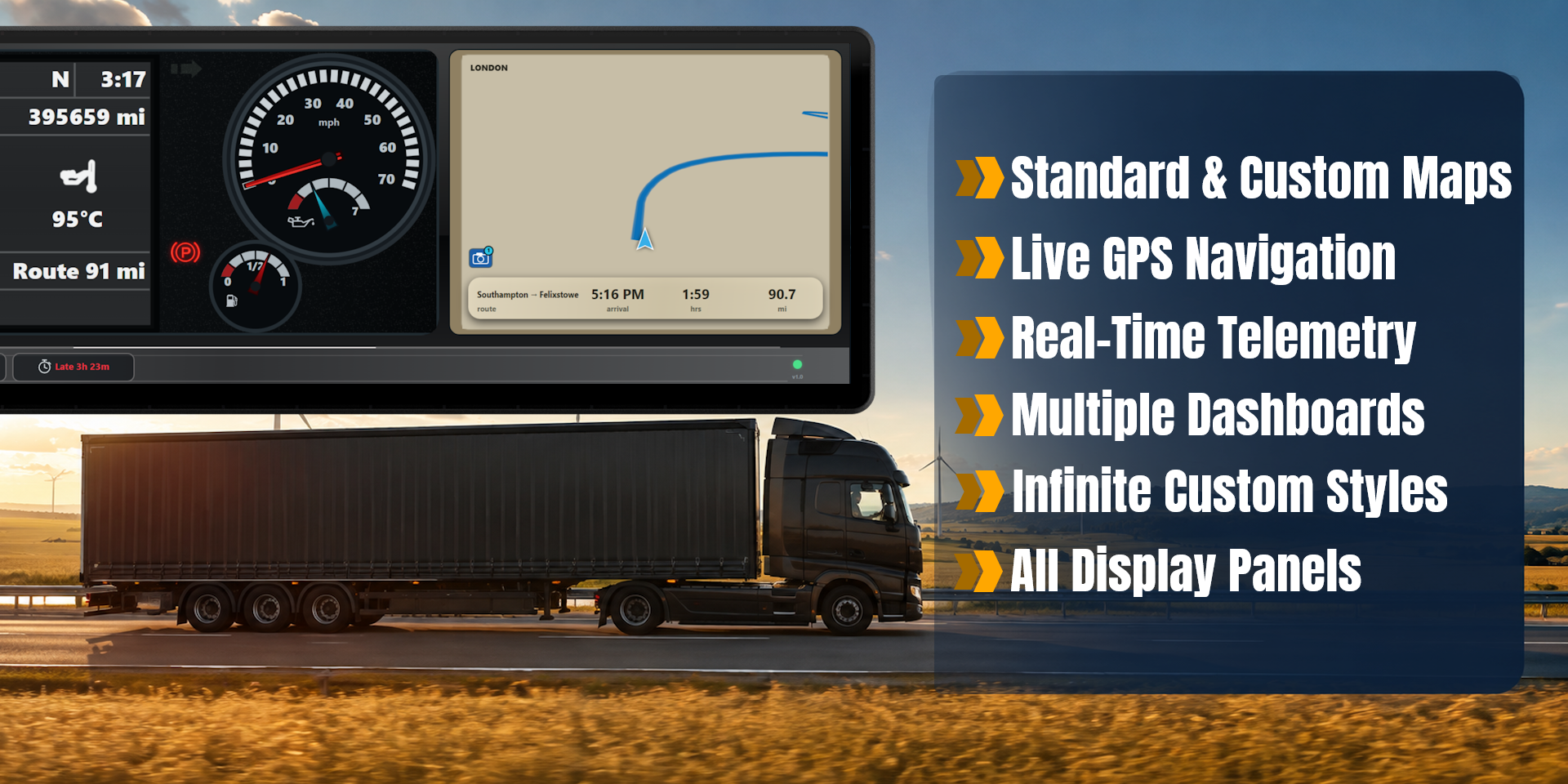
Bring Euro Truck Simulator 2 telemetry to your XENEON EDGE with a fully interactive dashboard and live GPS display. Monitor your truck, follow your route, and view essential driving…
Respawn Companion
Includes Respawn Companion for game integration and widget configuration.
About Respawn Companion →About This Widget.
Bring Euro Truck Simulator 2 telemetry to your XENEON EDGE with a fully interactive dashboard and live GPS display. Monitor your truck, follow your route, and view essential driving information in real time without cluttering your primary screen.
What's Included
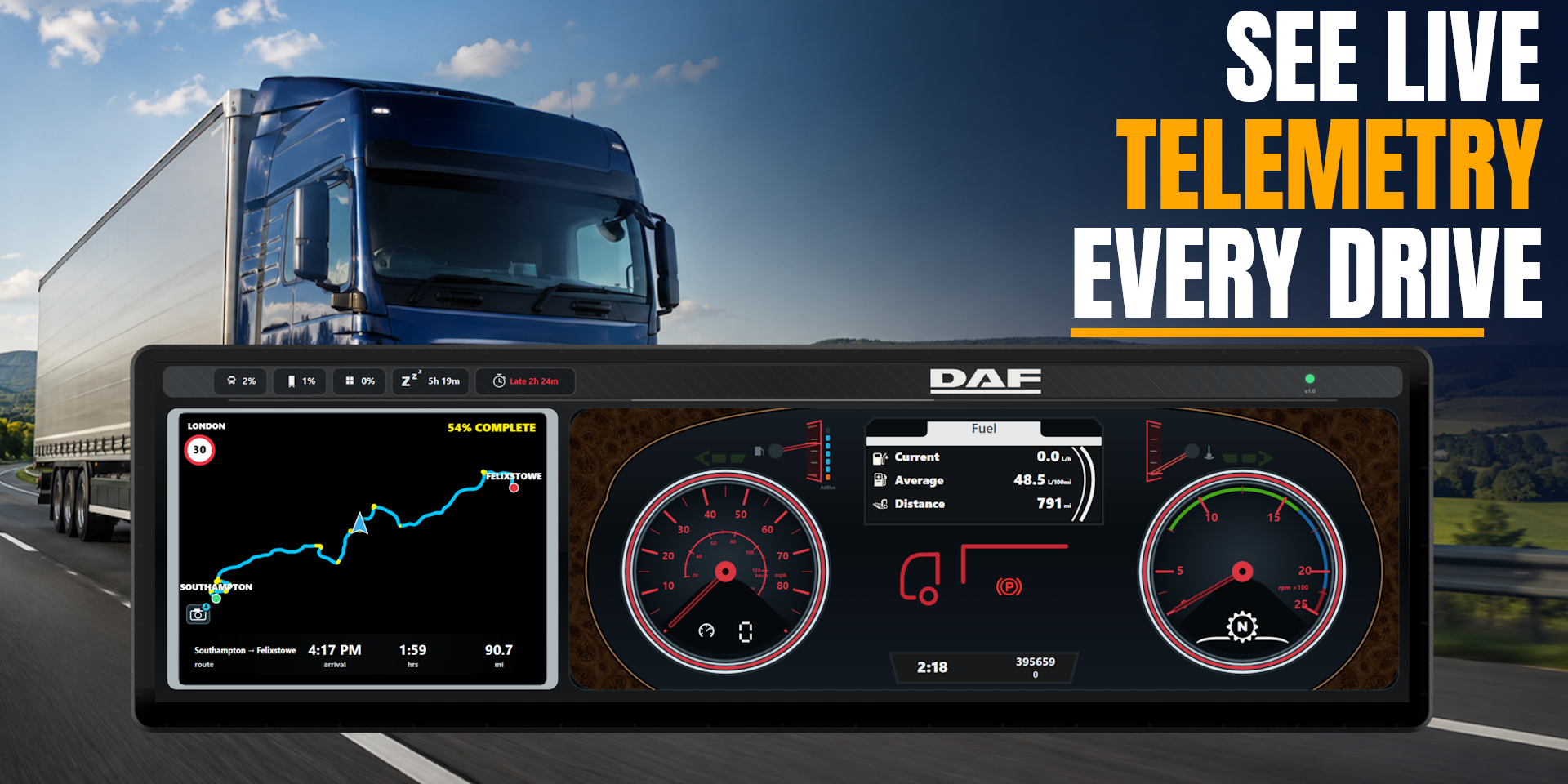
The live GPS displays your active route, nearby roads, road numbers, destinations, services, speed limits, and other available map information.
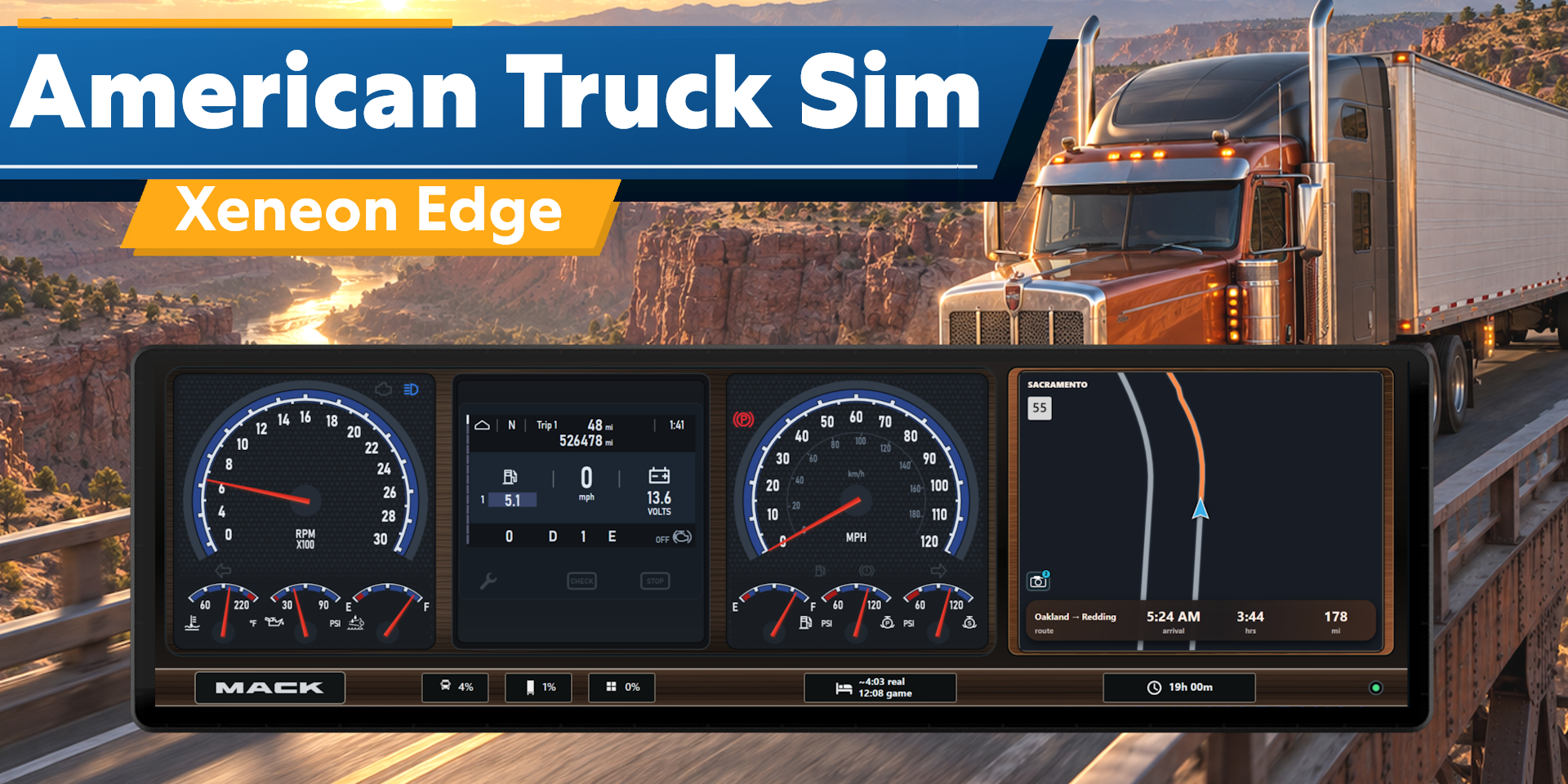
Choose from multiple authentic dashboard designs inspired from the in-game trucks. Dashboard instruments respond to live telemetry from the game, including speed, RPM, fuel, temperature, air pressure, indicators, lights, warning states, and additional vehicle information where supported.
Five header metrics provide quick access to truck damage, trailer damage, cargo damage, remaining rest time, and the current delivery deadline. Overdue deliveries and important vehicle conditions are clearly highlighted.
Route information includes your destination, estimated arrival time, remaining journey time, and distance. Both standard and custom maps are supported when compatible road data is available.
Customization
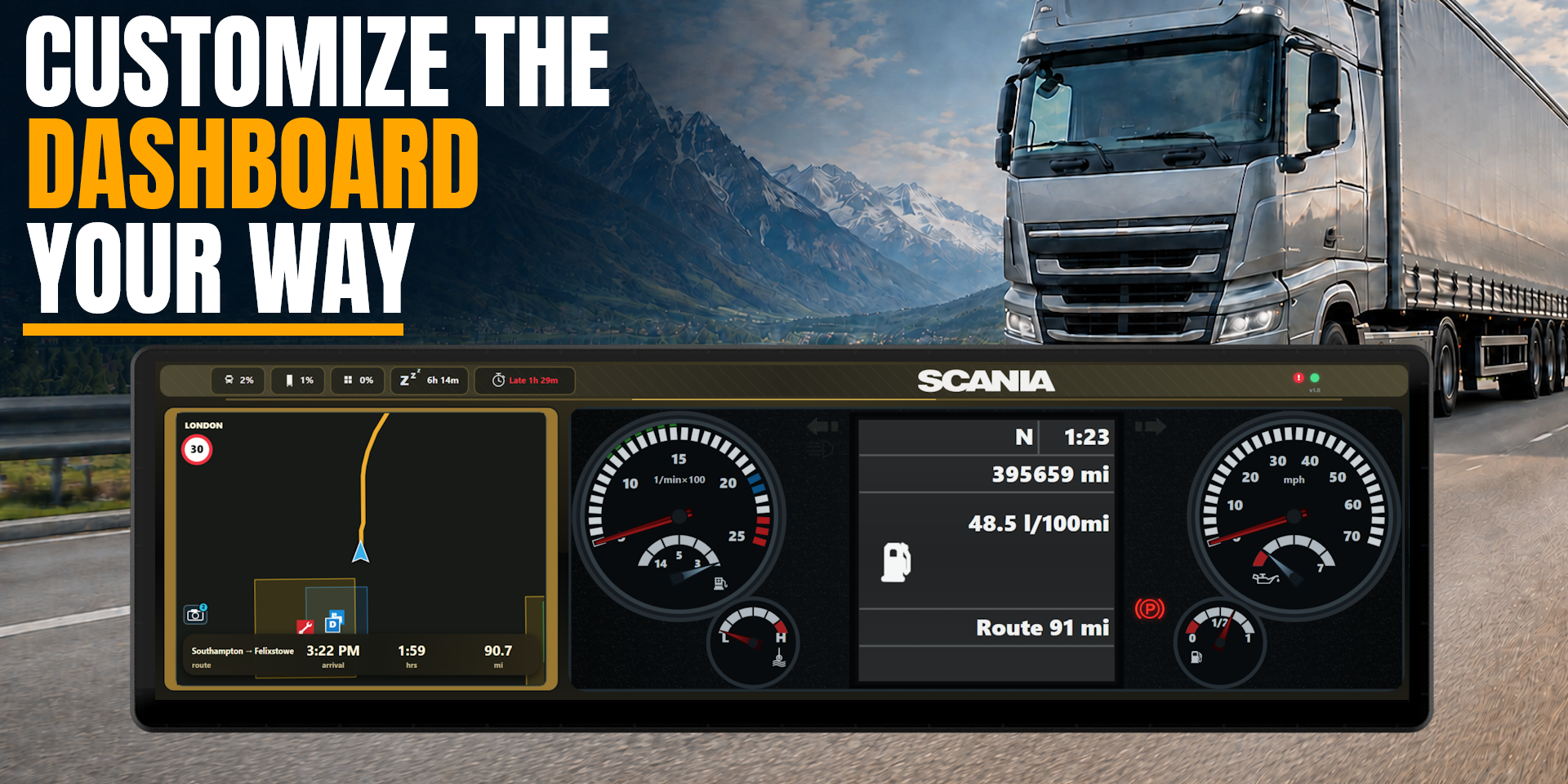
Personalize the widget through the Respawn Companion panel with selectable dashboard layouts, header designs, GPS styles, and custom accent colors.
Choose from perspective, top-down, zoomed, and complete-route GPS views. Available GPS appearances include dark, daylight, high-contrast, and automatic time-based styles.
The dashboard and GPS positions can be reversed to match your preferred layout. Measurement options allow truck telemetry and speed-limit signs to use Metric or Imperial units independently. Time can be displayed using either a 12-hour or 24-hour clock.
Requirements & Setup
Euro Truck Sim 2 Widget requires our Respawn Companion app, a light weight companion app included in the purchase. It will be sent to your email along with the widget itself.
An internet connection is required to download the module and check for available updates. Module updates can be installed through the Respawn Companion.
Compatibility
Designed for XENEON EDGE and iCUE. Compatible with Euro Truck Simulator 2 on Windows and supports both standard gameplay and compatible custom map configurations. Custom map support may vary, and GPS routing or road alignment may not always display perfectly as it depends on the creator.
Available telemetry and dashboard behavior may vary between truck models, game versions, modifications, and installed map content.
Disclaimer
This widget is an independently developed community product and is not endorsed by, sponsored by, or affiliated with Corsair, SCS Software or Euro Truck Simulator 2.
Euro Truck Simulator 2, manufacturer names, trademarks, logos, and other referenced properties belong to their respective owners. Telemetry and navigation information are provided for convenience and may occasionally differ from information displayed within the game.
Requires a Corsair Xeneon Edge and iCUE. Not compatible with Stream Deck.