Xeneon Edge Widget For Calendar For Gmail
Bring your Google Calendar to your XENEON EDGE with Calendar for Gmail.
About This Widget.
Bring your Google Calendar to your XENEON EDGE with Calendar for Gmail.
View upcoming events, manage your schedule, respond to invitations, and join meetings through a clean touchscreen interface designed for quick access throughout the day.
What's Included
Calendar Views
Navigate your schedule using four familiar calendar layouts:
- Day
- Week
- Month
- Year
Scroll through your daily timeline, move between dates, and browse past or future events directly from the widget.
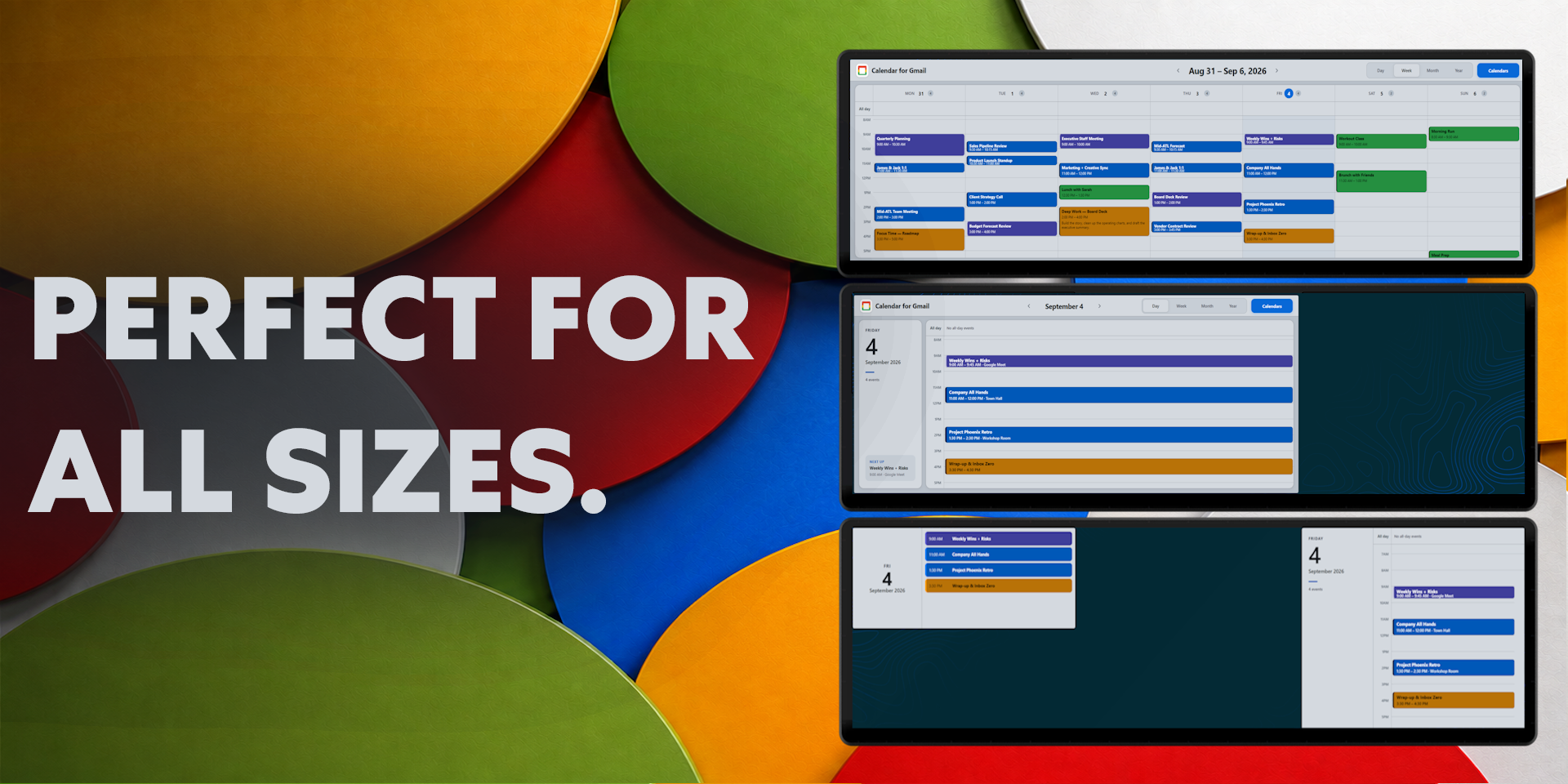
Smaller widget sizes use streamlined layouts that keep your next events visible without unnecessary controls.
Create and Manage Events
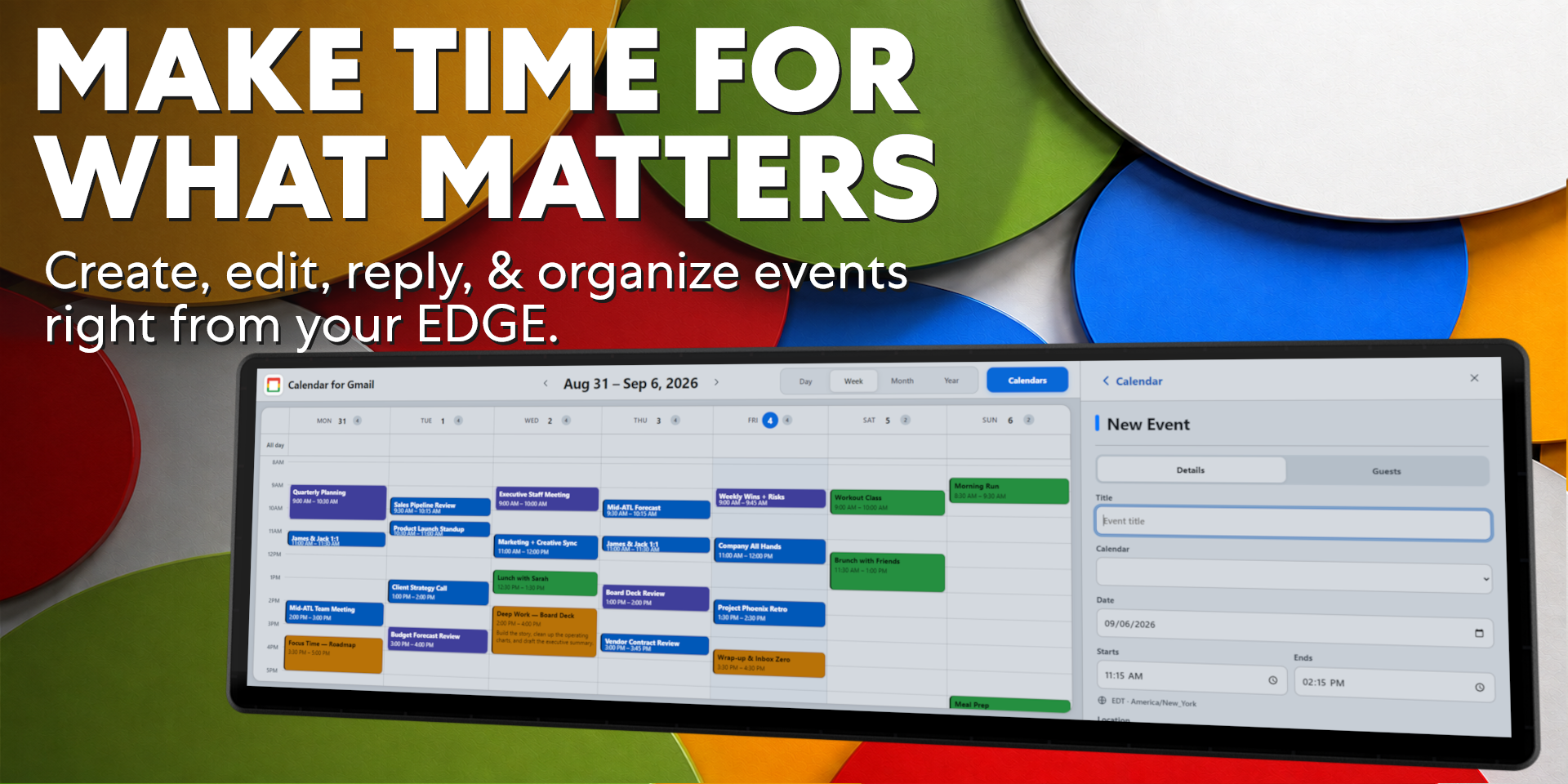
Create events directly from your XENEON EDGE by selecting a time slot and entering the event details.
Supported event controls include:
- Event titles and descriptions
- Start and end times
- Calendar selection
- Locations
- Guest invitations
- Google Meet links
- Event deletion
- Drag-and-drop rescheduling
Existing events can be moved to another time by pressing and dragging them across the Day or Week calendar.
Invitations and Meetings
Invitations display their current response status using distinct visual treatments.
Open an invitation to:
- Accept
- Respond Maybe
- Decline
- Review event details
- Open supported meeting links
- Continue managing the event in Google Calendar
Google Meet and other supported links can be opened in the computer’s default browser.
Event Reminders
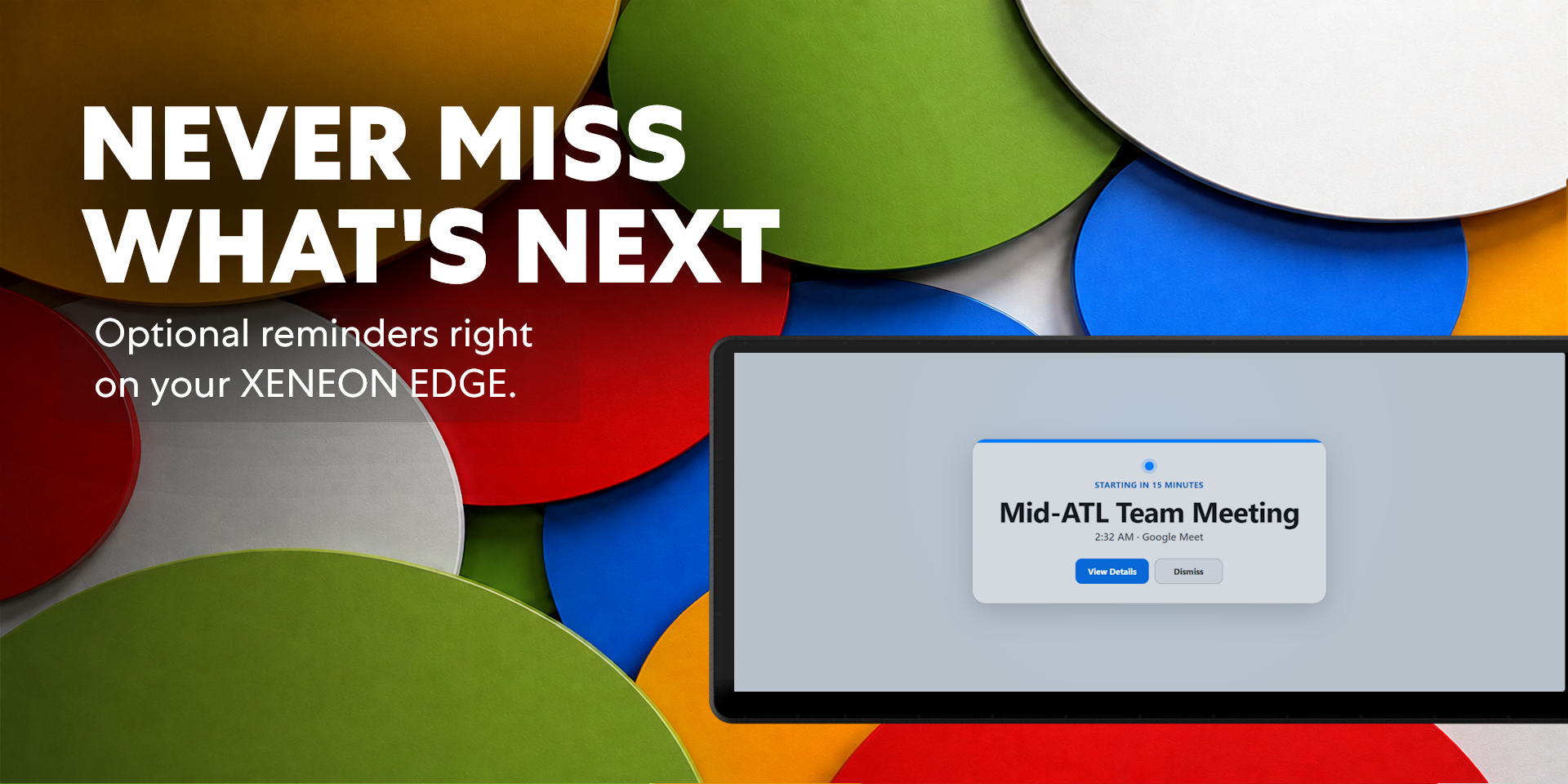
Optional event reminders help keep upcoming meetings from being missed.
When a scheduled event is approximately 15 minutes away, the widget displays a dedicated reminder with the event name, starting time, and available actions.
Choose View Details to open the event or Dismiss to return to the calendar.
Automatic Synchronization
Calendar for Gmail checks for updated calendar information regularly, allowing newly created or modified events to appear without manually reloading the widget.
Times are displayed using the user’s local Windows time zone.
Customization
Choose individual colors for connected calendars to keep work, personal, family, and shared schedules easy to distinguish.
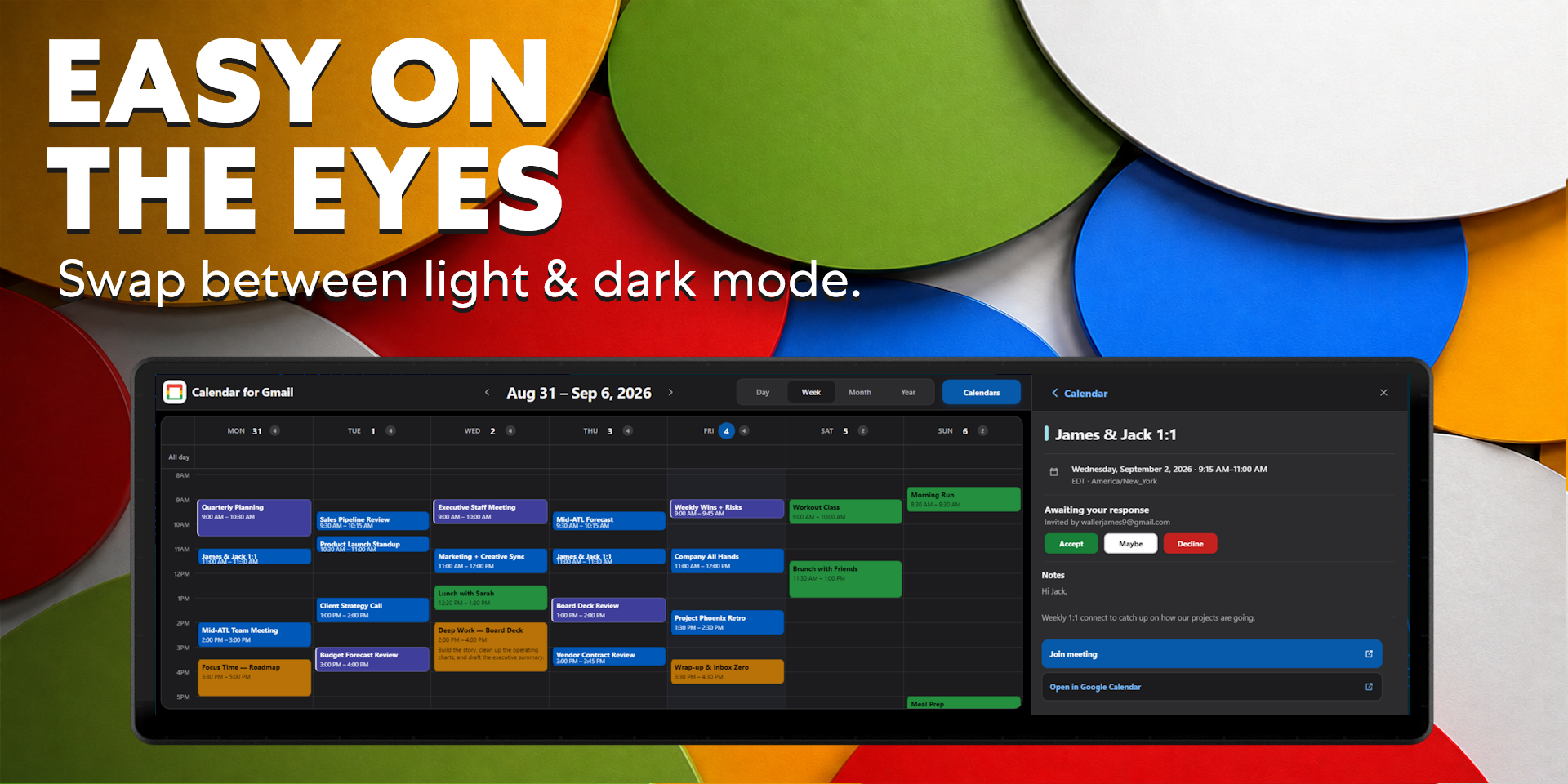
Light and dark appearance modes are available through the widget’s iCUE configuration panel.
Requirements & Setup
No Companion Application Required
Calendar for Gmail does not require Respawn Companion, a local bridge, or any additional background application.
An internet connection and a supported Google account are required for sign-in and calendar synchronization.
Google Account Connection
Select Add Account, sign in with Google through your default browser, and approve the requested calendar permissions.
Once connected, your calendars and events automatically appear inside the widget. Multiple Gmail accounts can be connected and managed independently.
Account authorization persists across compatible widget updates, so users should not need to reconnect after installing a newer version.
Privacy and Security
Calendar for Gmail uses Google’s official authorization process. Users sign in directly on Google’s website—the widget never receives or stores Google passwords.
Authorization credentials are encrypted and used only to provide the calendar features requested by the user. Connected accounts can be removed from the widget at any time, and access can also be revoked through the Google Account settings.
Disclaimer
Calendar for Gmail is an independently developed community product and is not endorsed by, sponsored by, or affiliated with Google, CORSAIR, Elgato, or their subsidiaries.
Google Calendar, Gmail, Google Meet, and all related names, trademarks, logos, imagery, and intellectual property belong to their respective owners.
Requires a Corsair Xeneon Edge and iCUE. Not compatible with Stream Deck.