

Xeneon Edge Widget For Discord Sidekick — 1.12
Embedded messages now display properly Fixed a connection bug where if a user forgot to enter the re-direct URL, it would force them to delete the widget and re-import it. Added support for threads/posts by adding them via a link
What changed
- Embedded messages now display properly
- Fixed a connection bug where if a user forgot to enter the re-direct URL, it would force them to delete the widget and re-import it.
- Added support for threads/posts by adding them via a link
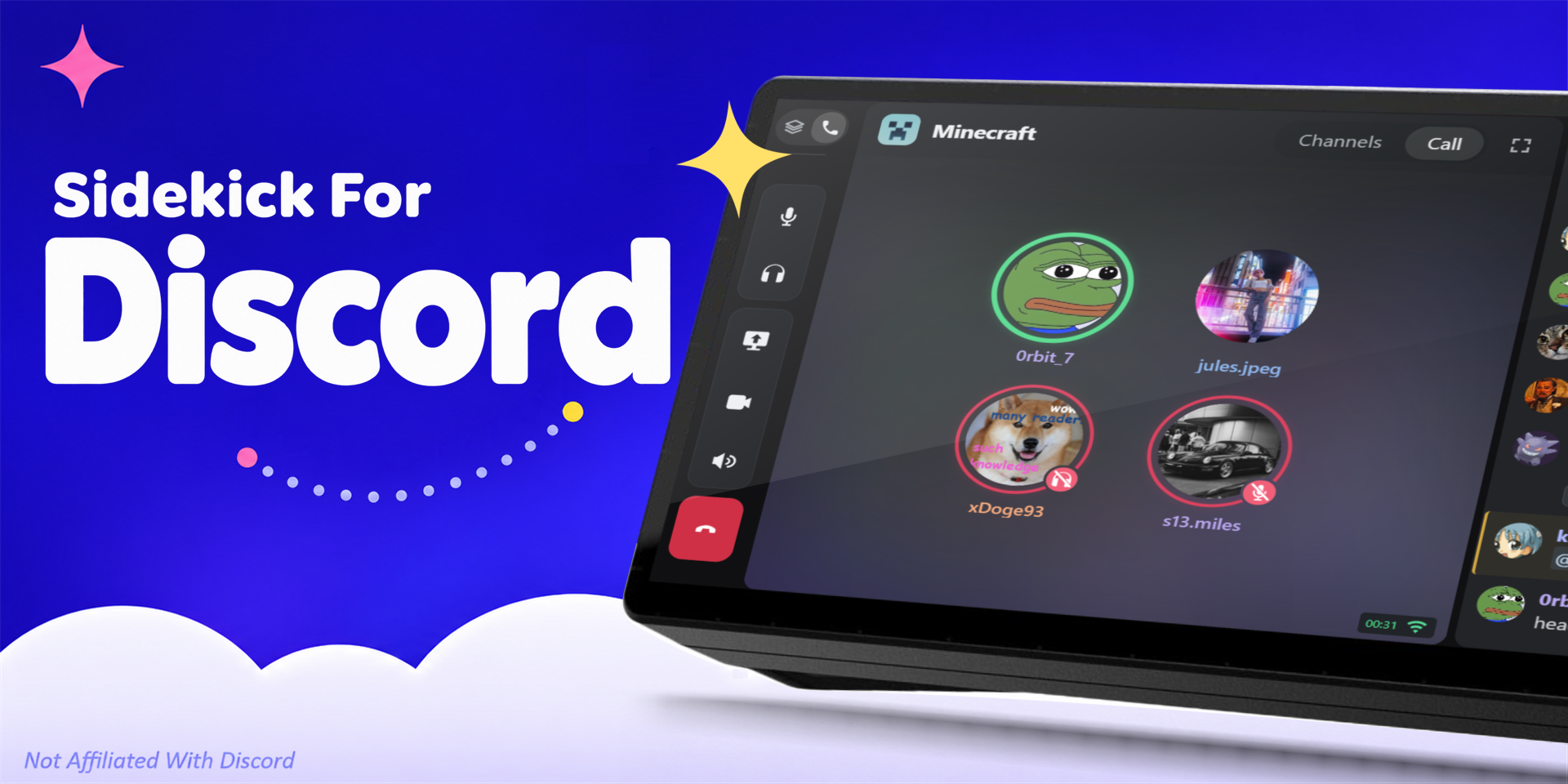
Stay in the conversation with Sidekick for Discord, an interactive XENEON EDGE widget. Keep your favorite channels, chat, and active voice call within reach while you game.
What’s Included
- Control your calls by viewing participants, indicators for those that are talking or muted, and even adjusting the volume of each user and your own input/output settings. You can join a call, hang up, share your screen, and play the soundboard with a touch of a button.
- Communicate with your favorite channels, switch between DMs and group conversations.
- Receive notifications from messages and prompts to join calls directly from the widget.
Customization
Choose light or dark mode, adjust text size, and switch between solid and transparent backgrounds. Participant cards help keep your call readable over your wallpaper.
Choose whether call or chat takes the more prominent position. Sidekick adapts to different widget sizes, with a compact Servers and Channels menu for smaller layouts.
Setup and Connectivity
Discord Sidekick requires our Respawn Companion app, a light weight companion app included in the purchase. It will be sent to your email along with the widget itself.
Guided setup checks your module and Discord connection, then walks you through entering your own Discord application’s Client ID and Client Secret and approving Discord’s permission prompts. Our setup guide explains how to create your application and configure its redirect URL. The setup guide can be found here.
Your connection is saved for future sessions, with credentials protected locally using Windows encryption.
Compatibility
Designed for XENEON EDGE on Windows with iCUE. Supports touchscreen and mouse navigation across multiple widget sizes. Discord and the Sidekick module must be running for connected features to work.
Disclaimer
Sending messages on the widget does require the Discord Desktop app to be open, it cannot be minimized.
Sidekick for Discord is independently developed by Respawn Icons and is not endorsed by, sponsored by, or affiliated with Discord or Corsair.
Features and availability may change if Discord modifies or restricts its services. Purchasing this widget does not grant additional Discord permissions or guarantee access to restricted features.
All names, avatars, server artwork, trademarks, logos, and related intellectual property belong to their respective owners.