

Xeneon Edge Widget For Music
Bring your music to life with Music, an interactive XENEON EDGE widget that combines album artwork, responsive playback controls, and an audio-reactive visualizer. Switch between three…
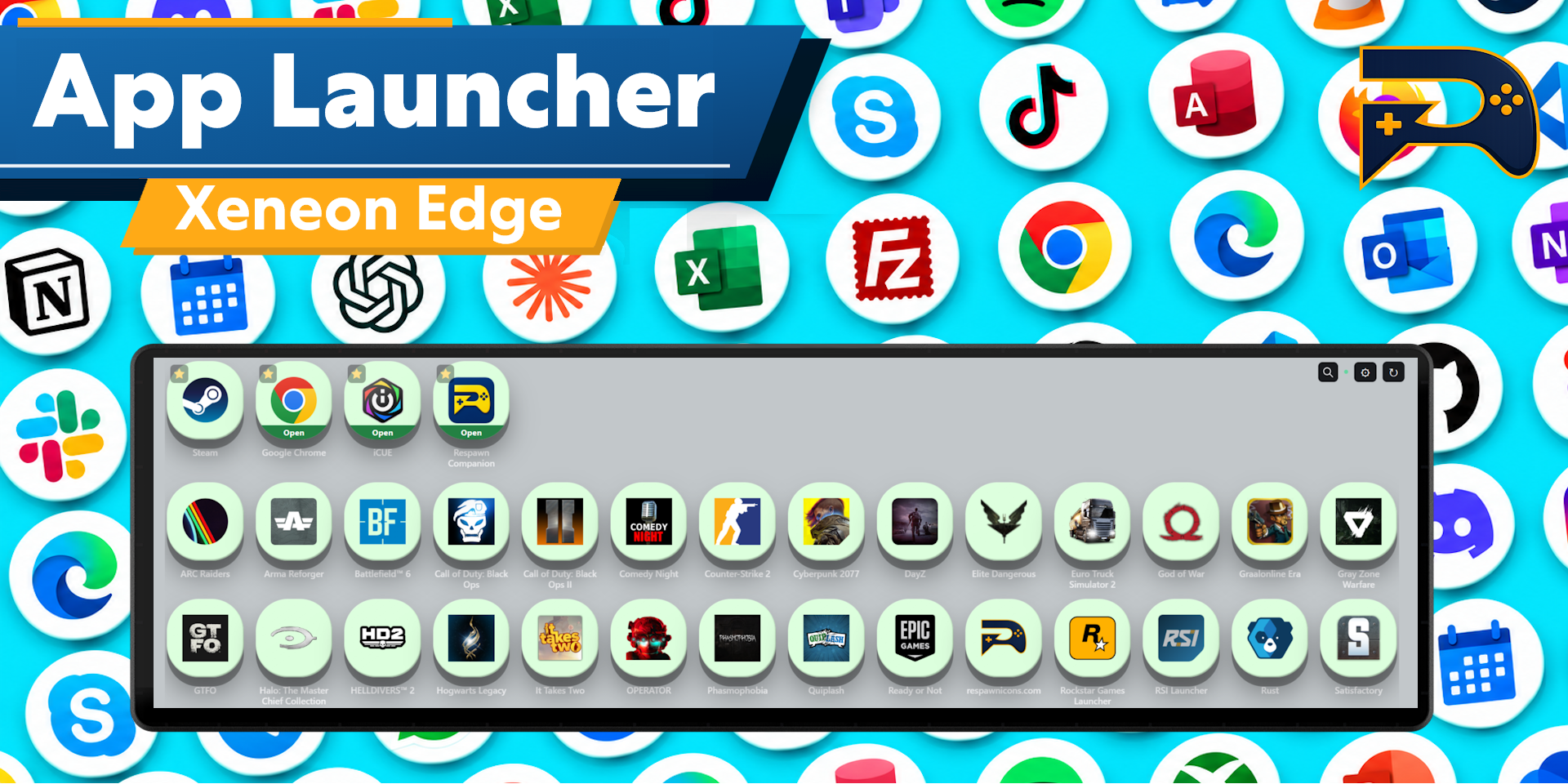
Respawn Companion
Includes Respawn Companion for game integration and widget configuration.
About Respawn Companion →About This Widget.
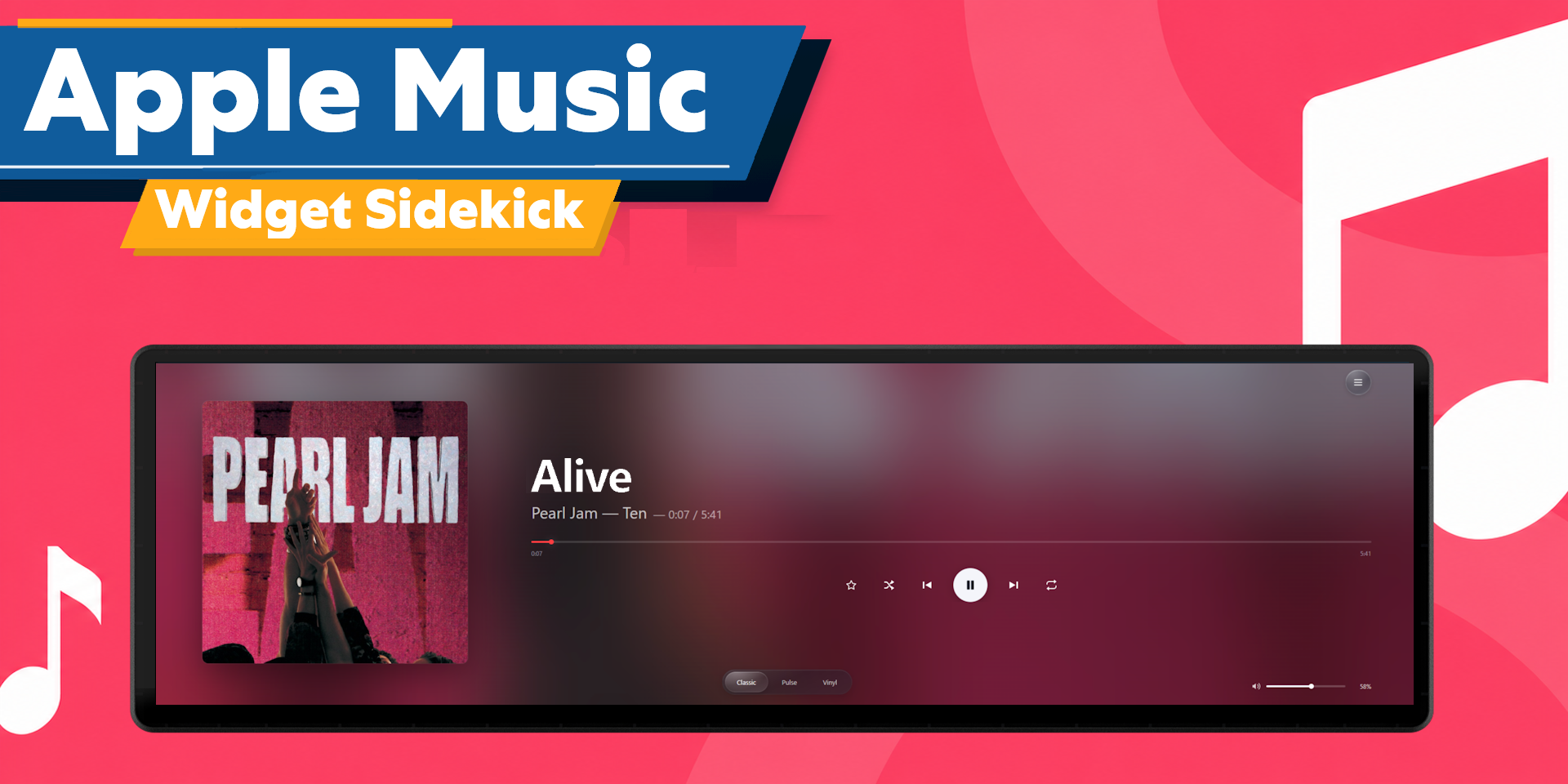
Bring your music to life with Music, an interactive XENEON EDGE widget that combines album artwork, responsive playback controls, and an audio-reactive visualizer. Switch between three distinct layouts and control compatible media players directly from your touchscreen.
Supports any media that is played through your PC. Spotify, Apple Music, YouTube, etc.
What’s Included
Choose from three ways to display your music:
- Classic: Large album artwork alongside track information and playback controls.
- Pulse: A circular or horizontal audio-reactive visualizer surrounding your album artwork, with colorful accents on stronger peaks.
- Vinyl: A rotating record presentation with interactive scrubbing for supported players.
View available track titles, artists, album artwork, and playback progress. Artwork inspired colors and a blurred background adapt the display to your current media. When artwork is unavailable, a music-note placeholder keeps the layout clean.
Play or pause, skip tracks, and access shuffle and repeat when supported by your player. Select a specific media source or let Music choose automatically.
Touch Controls and Gestures
Controls appear when you interact with the widget and automatically hide after inactivity, leaving a clean, artwork focused display.
Double-tap to play or pause. Swipe left for the next track or right for the previous track. Album artwork and track information follow your finger as you swipe, allowing you to reverse direction or cancel before releasing.
Use the progress bar or drag the record in Vinyl mode to seek through a track when supported.
Customization
Switch between Classic, Pulse, and Vinyl directly inside the widget using the draggable glass-style layout selector.
Choose your preferred media player through the built-in source menu. Your layout selection is remembered locally, and the background automatically adapts to the available album artwork.
Data and Connectivity
Music requires our Respawn Companion app, a light weight companion app included in the purchase. It will be sent to your email along with the widget itself.
Track information and playback controls come from compatible Windows media sessions. Available features depend on what each player exposes.
Compatibility
Designed for XENEON EDGE and iCUE on Windows. Supports compatible desktop and browser-based media players that expose Windows media controls.
Artwork, track information, seeking, previous-track behavior, shuffle, and repeat support vary by application. Vinyl scrubbing changes playback position.
Disclaimer
Music is an independently developed product and is not endorsed by, sponsored by, or affiliated with Corsair, Microsoft, Spotify, or any other media service.
Compatibility and available features may change with updates to Windows or third-party applications. Music does not grant rights to record, redistribute, or commercially reuse audio or artwork.
All service names, trademarks, logos, album artwork, and related intellectual property belong to their respective owners.
Requires a Corsair Xeneon Edge and iCUE. Not compatible with Stream Deck.