

Sidekick For Discord
Discord was always one of the things we most wanted to make a widget for. Sure, you can leave it open on another monitor, but that’s a lot of screen space just to keep up with a call and a few messages.
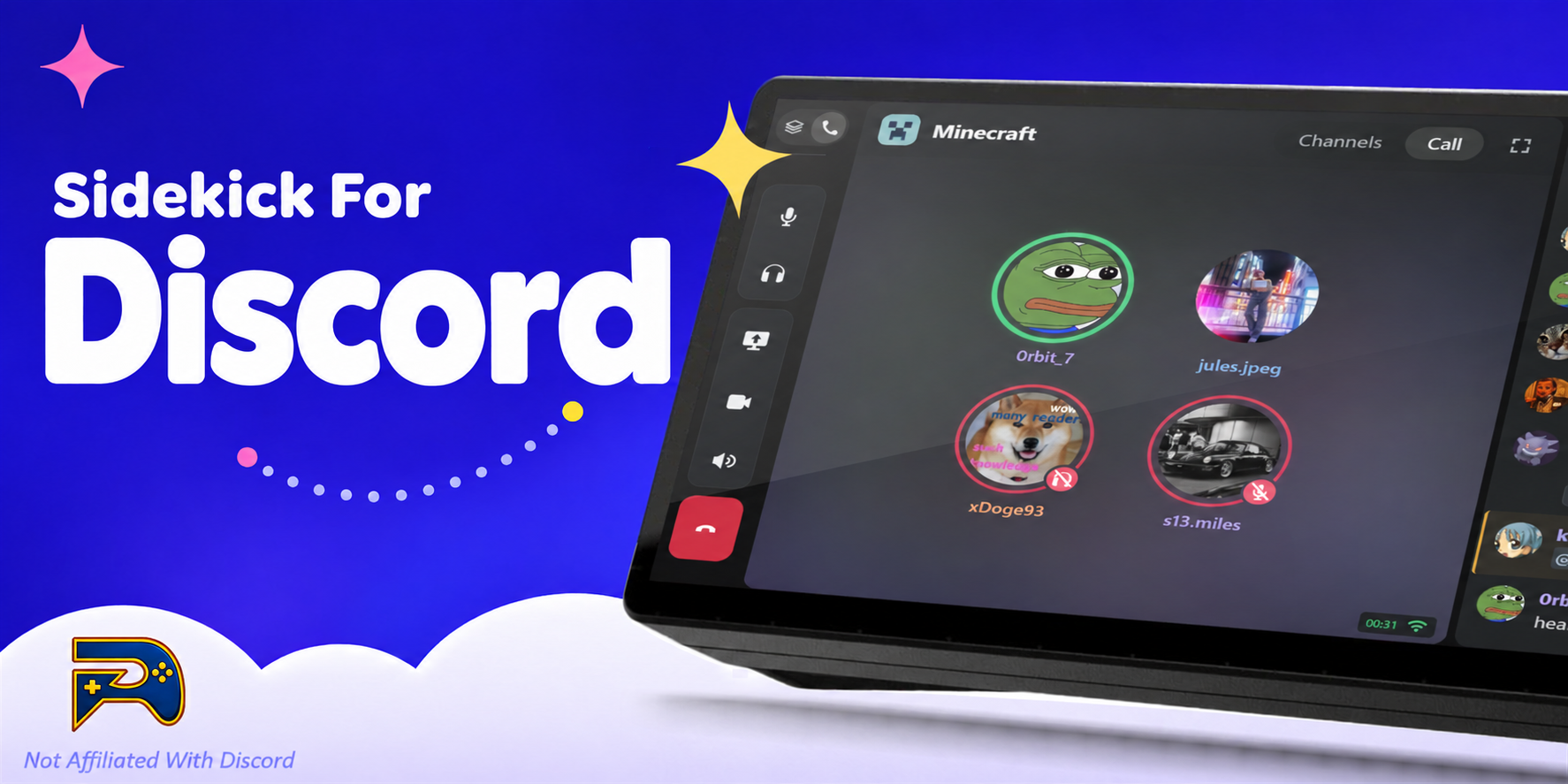
For us, the appeal was being able to stay in the conversation while getting on with a game. See who’s talking, catch the message someone just sent, or turn down a loud mic without digging through another window.
That’s what we built Sidekick around. Your call, your chat and the controls you actually use, close enough to glance at or tap when you need them.
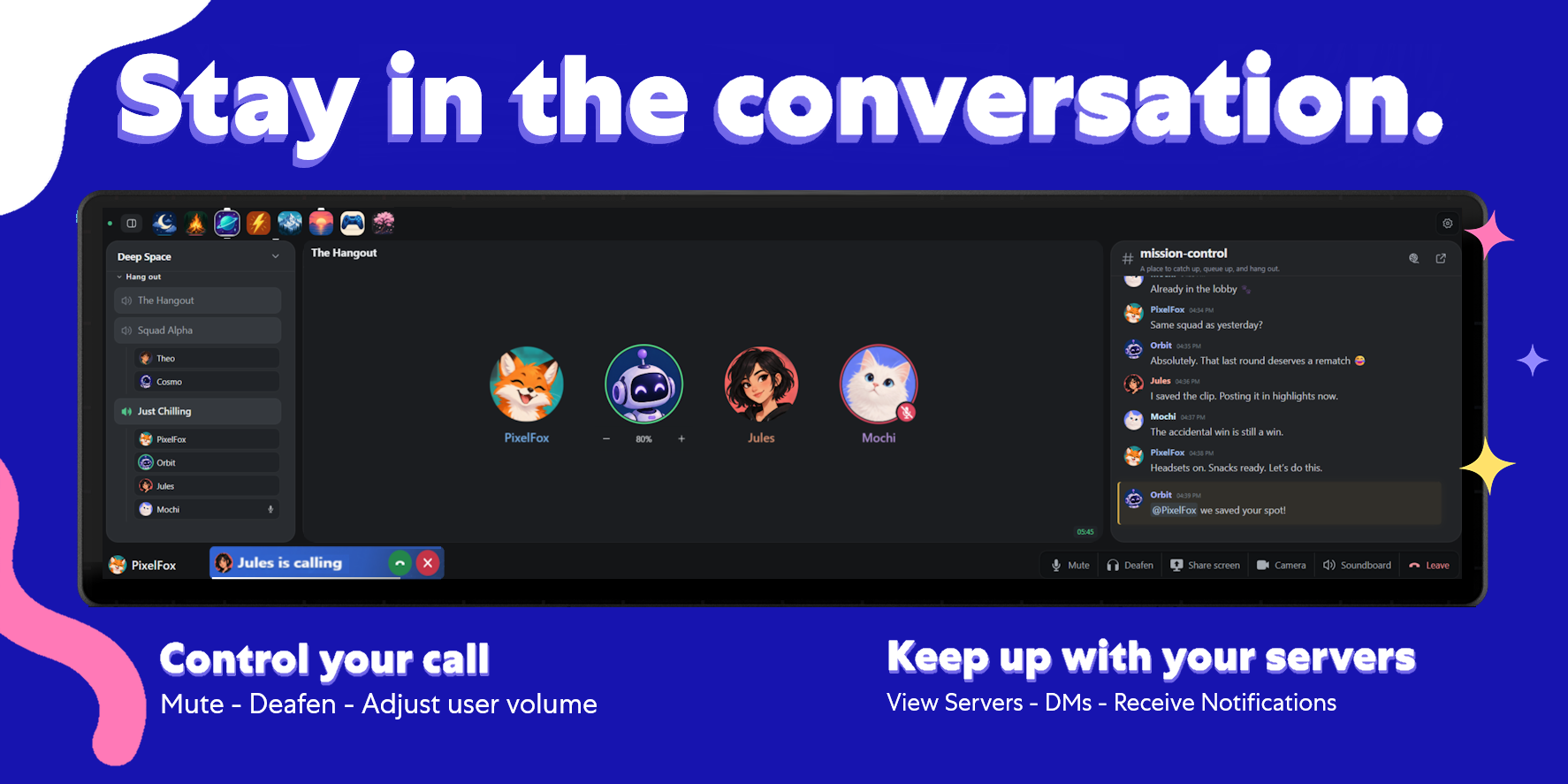
Keeping up with the call
Being able to see who’s talking is a big part of it. So is turning down that one friend whose mic is always a little too loud. You can adjust them individually, mute yourself, or leave the call straight from the widget.
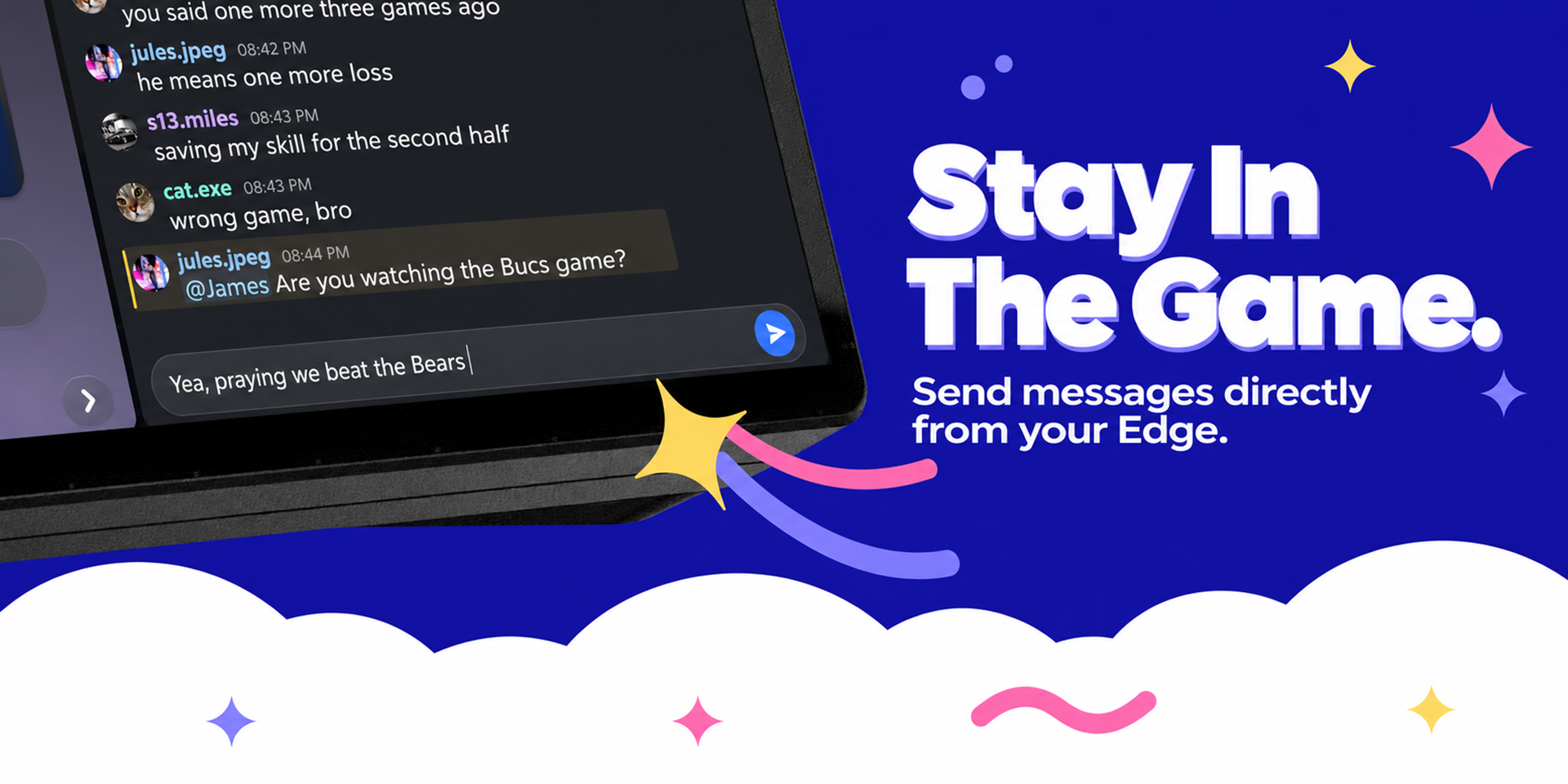
And the chat, too
You can keep your DMs, group chats or a server channel open in the widget, and reply from there too. Handy when the conversation keeps going while you’re in a game.
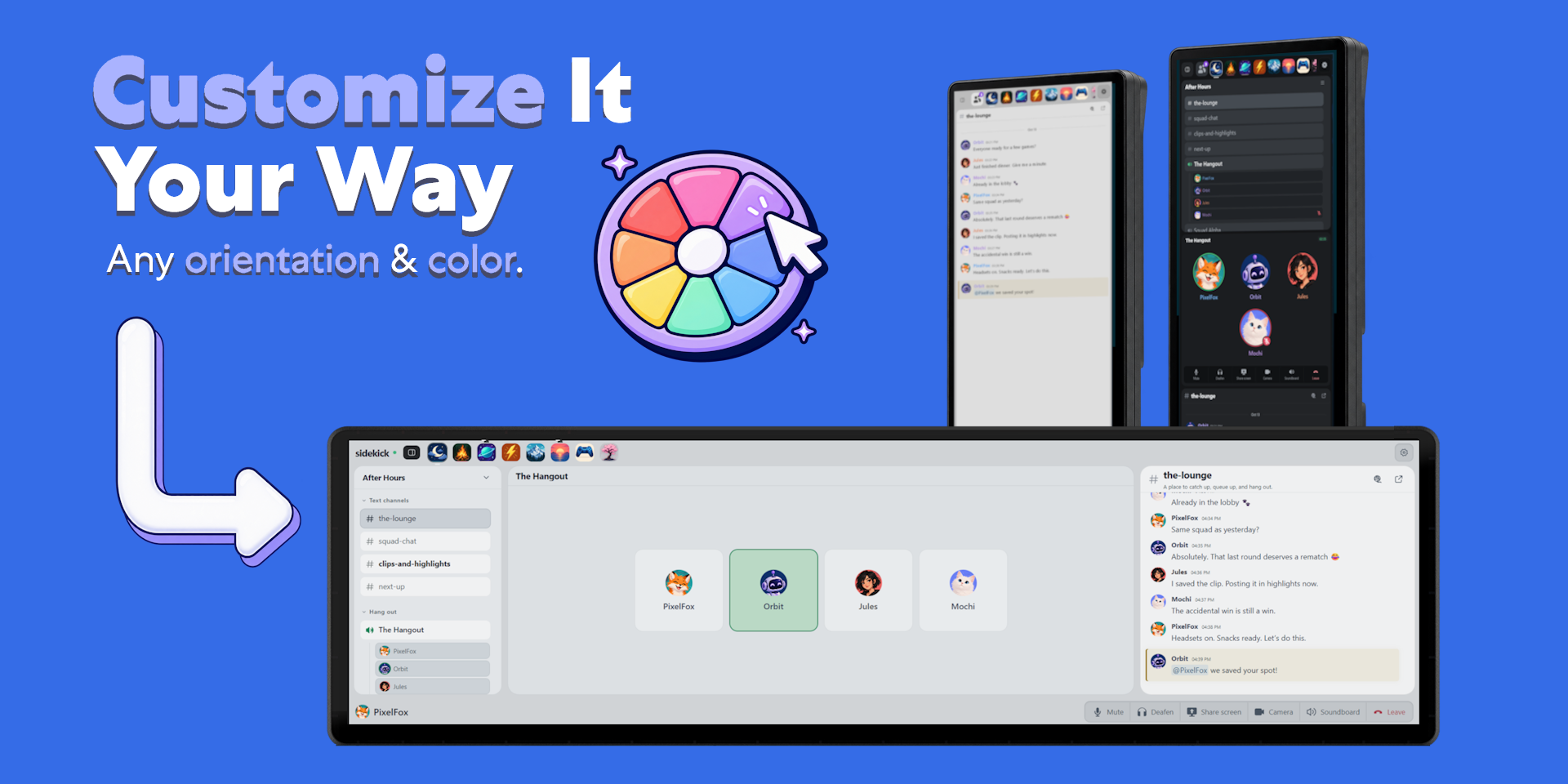
However you’ve set things up
You don’t have to give Discord the whole screen. Keep it compact beside your other widgets, or give the chat and call more room. There are light and dark themes, portrait and landscape layouts, and transparent backgrounds if you’d rather see your wallpaper.

You a content creator?
Post a photo or clip of Sidekick For Discord running on your device.
If we see it, you may just get free products from us. 😊
 Open Discord
 Post on X
 Upload to TikTok
A note on setup
There is a little setup involved. Sidekick uses our included Respawn Companion app, iCUE and Discord on Windows.