Stream Deck Profile for Enshrouded is now available
Bring the spirit of Embervale to your Stream Deck with bold ivory and ember-orange icons, animated accents and clearly marked blue navigation. Keep exploration, building, inventory and camera shortcuts close at hand.…
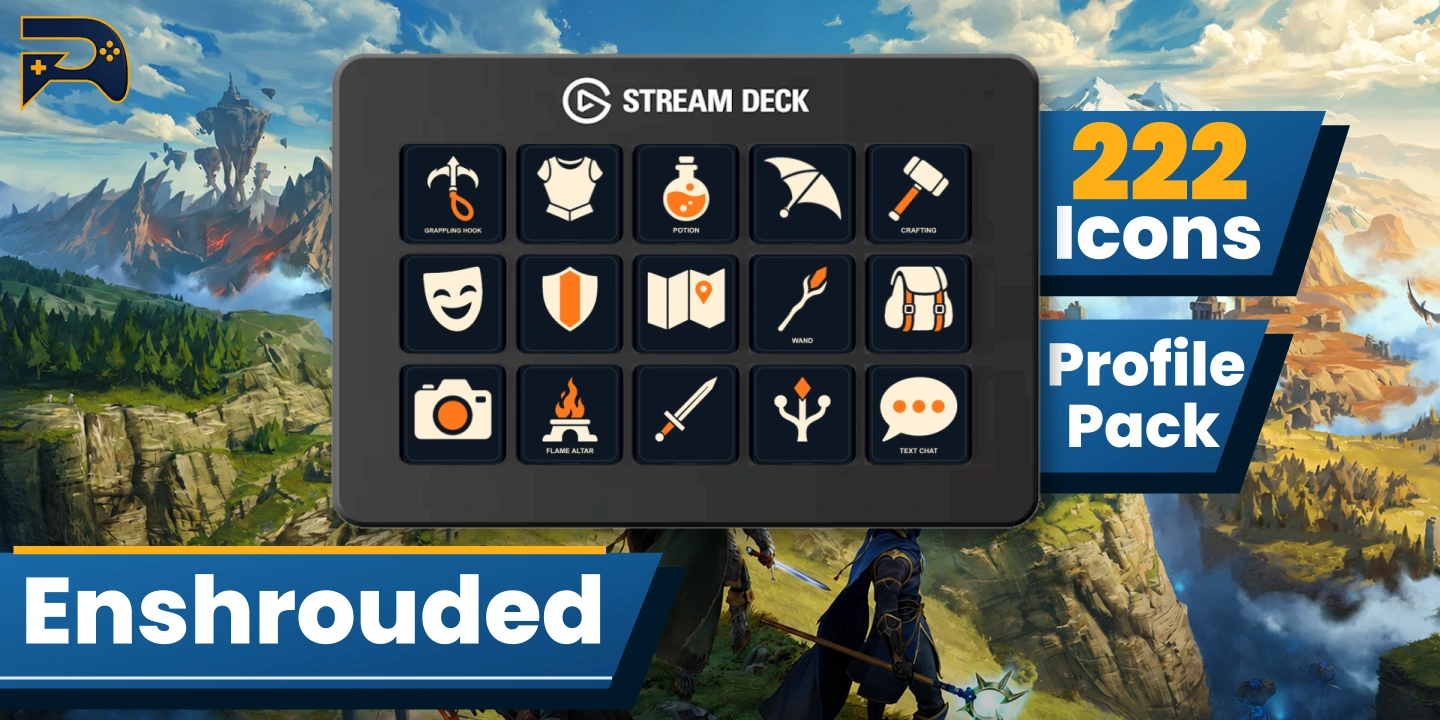
Bring the spirit of Embervale to your Stream Deck with bold ivory and ember-orange icons, animated accents and clearly marked blue navigation. Keep exploration, building, inventory and camera shortcuts close at hand.
What’s Included
- Animated profiles for Stream Deck MK (15-key) and XL (32-key), together in one download.
- 222 icon variants: 111 static PNGs and 111 animated GIFs, plus an installable icon pack.
- Nine MK pages and five XL pages covering exploration, hotbar, building, inventory, menus and camera controls.
- Extra artwork for customization, setup instructions and a control-coverage guide.
Customization & Setup
Use the included 144×144 icons to arrange your own layout or adjust the keyboard shortcuts to your preferences. No third-party action plugins are required. Set the blank Launch button to your own game application and configure Return if you want it to open another profile.
Control Coverage
This initial reference build uses published PC Preset A keyboard mappings. It has not yet been tested in-game or on Stream Deck hardware. Context-sensitive and held actions may require adjustment; mouse buttons, wheel actions and unsupported combinations remain on your keyboard or mouse. Some additional icons are artwork only and have no assigned shortcut. Read the included coverage guide before use. Buttons do not track in-game toggle states.
Installation
Extract the customer ZIP, then import the intact .streamDeckProfile file matching your device. Install the included icon pack separately for customization.
Disclaimer
Unofficial fan-made accessory, not affiliated with or endorsed by Keen Games. Enshrouded and related names, artwork and trademarks belong to their respective owners. Game and Stream Deck hardware are not included.