
Xeneon Edge Widget For Camera is now available
Bring your cameras to your XENEON EDGE with Camera. View live feeds, build a custom camera wall, and control compatible cameras through a touchscreen interface. This is a BETA product and may contain undiscovered issu…
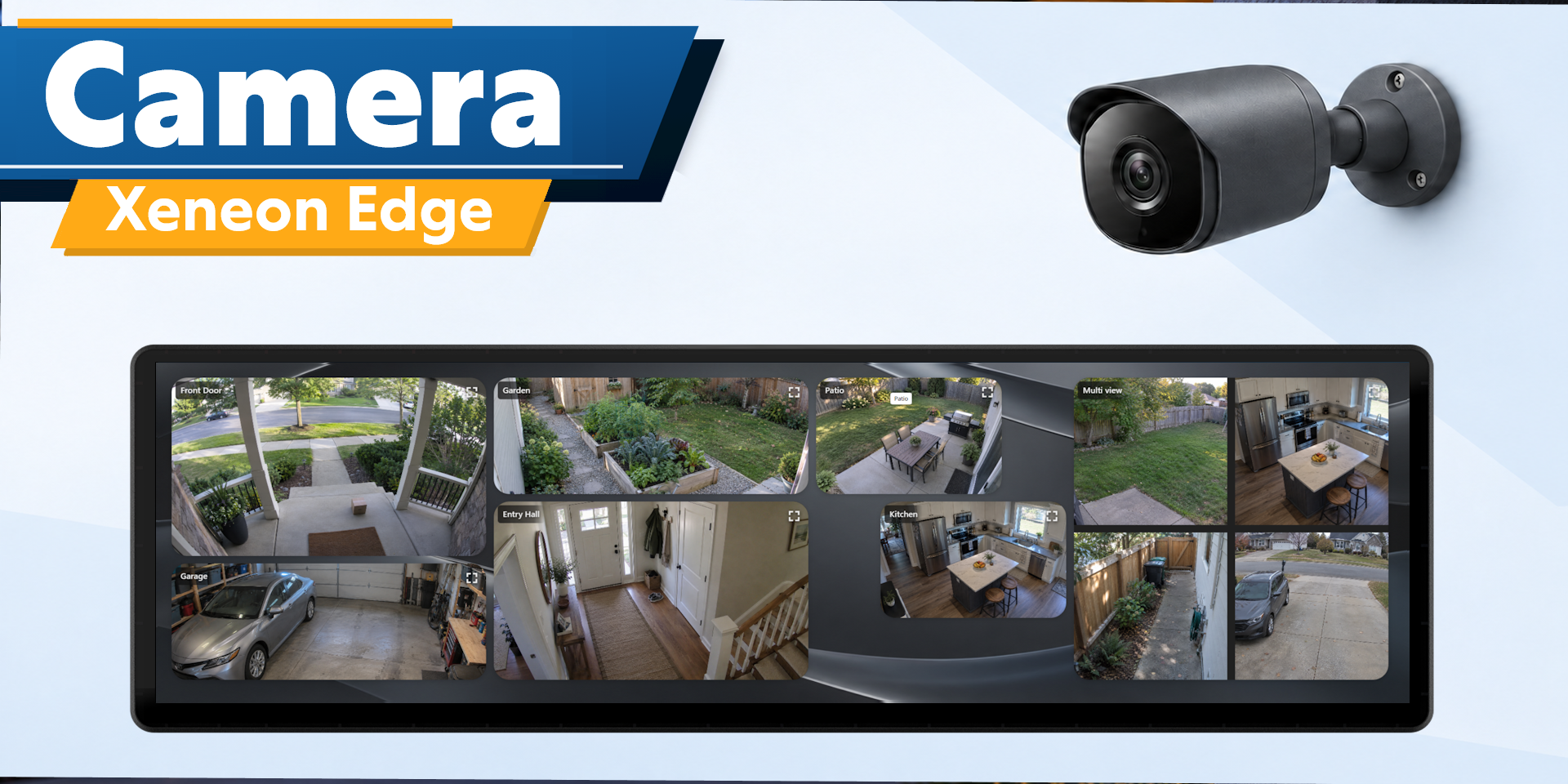
Bring your cameras to your XENEON EDGE with Camera. View live feeds, build a custom camera wall, and control compatible cameras through a touchscreen interface.
This is a BETA product and may contain undiscovered issues. We've created a compatibility guide for the top camera brands and show how we think they will work with this widget. Go to https://respawnicons.com/guide-camera.html to see if yours are supported.
Camera Views
Keep one camera in focus or combine up to nine feeds in a multi view.
- Drag and resize tiles
- Reorder cameras within a multi view
- Expand tiles for a closer look
- Focus on one feed and return to the full view
Use M, L or XL for setup and editing. Small displays your saved camera wall.
Flexible Connections
Choose Direct Camera, Home Assistant, or both during guided setup.
Direct Camera Connection
Connect compatible IP cameras using an RTSP/RTSPS stream or HTTP/HTTPS MJPEG address and the camera's login details.
Direct Camera runs through the Camera module in Respawn Companion- this is included free with this purchase, however this is optional if you are only using Home Assistant.
Home Assistant Connection
Enter your Home Assistant address and long-lived access token inside the widget.
Browse available camera entities, preview feeds, and select the cameras you want to display. Available video, audio, and controls depend on your Home Assistant integrations.
Camera Controls
Control supported cameras directly from the widget:
- Pan and tilt
- Optical zoom
- Recall saved camera positions
- Listen to compatible camera audio
Direct camera movement uses compatible ONVIF controls. Available controls depend on the camera's capabilities and configuration.
Directional zoom uses Zoom In and Zoom Out buttons where appropriate. Digital framing lets you crop and reposition the displayed image without moving the physical camera.
Audio starts off.
Layout Customization
Adjust tile names, dimensions, headers, rounded corners, and depth.
Additional support for setting the framing of each camera is included.
Connection Recovery
Interrupted or frozen direct feeds automatically attempt to reconnect.
Performance depends on your camera, network, computer, and active feeds.
Privacy and Security
Direct camera credentials are stored locally and encrypted.
Remove saved direct cameras or disconnect a connection method from the widget. Removing a saved connection does not delete footage from the physical camera.
Compatibility
Requires Windows, iCUE 5.52 or newer, and compatible camera streams or Home Assistant camera integrations.
Local streaming and ONVIF may need to be enabled in your camera's settings. Support varies by model and firmware. Cloud-only cameras cannot connect through Direct Camera.
Disclaimer
Camera is an independently developed community product and is not affiliated with or endorsed Home Assistant, or camera manufacturers.
All product names and trademarks belong to their respective owners. Again, this is in BETA, overtime this widget will continue to receive updates on additional camera compatibility as well as bug fixes.