Euro Truck Sim 2 For XENEON EDGE
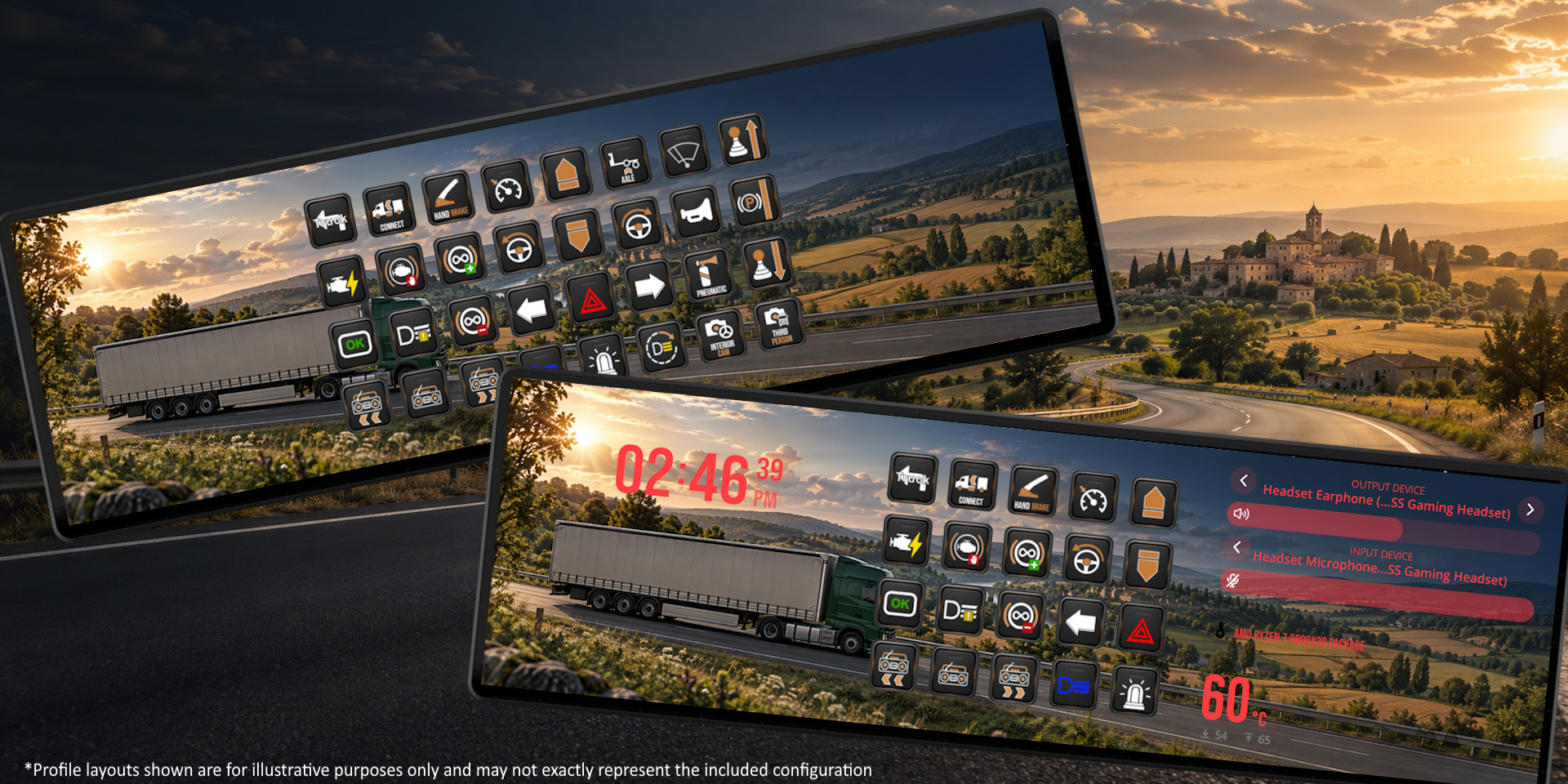
Take control of every journey with this Euro Truck Simulator 2 profile pack for the CORSAIR XENEON EDGE. Built for your touchscreen, it keeps essential controls within reach while you haul…
About This Profile.
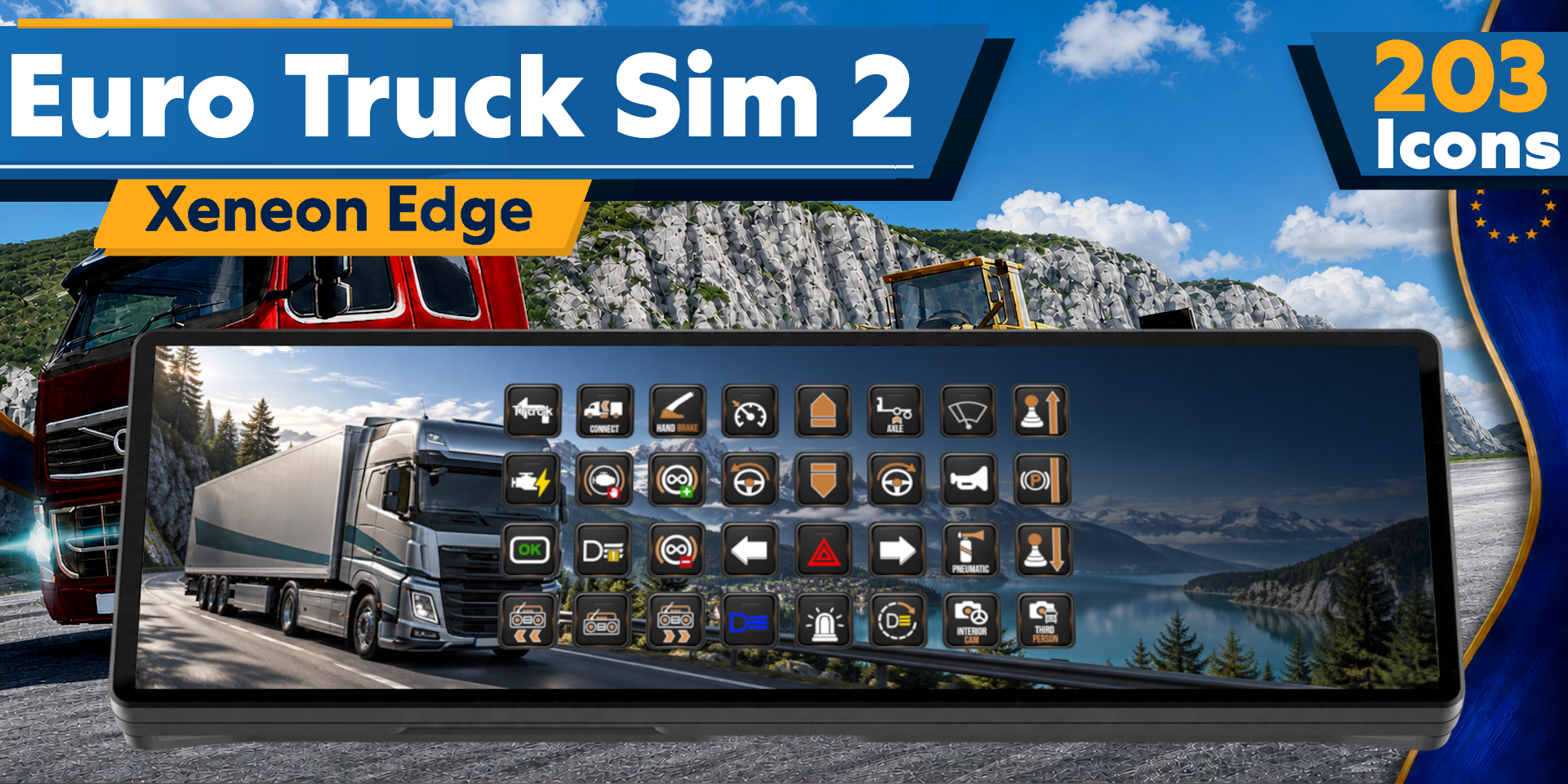
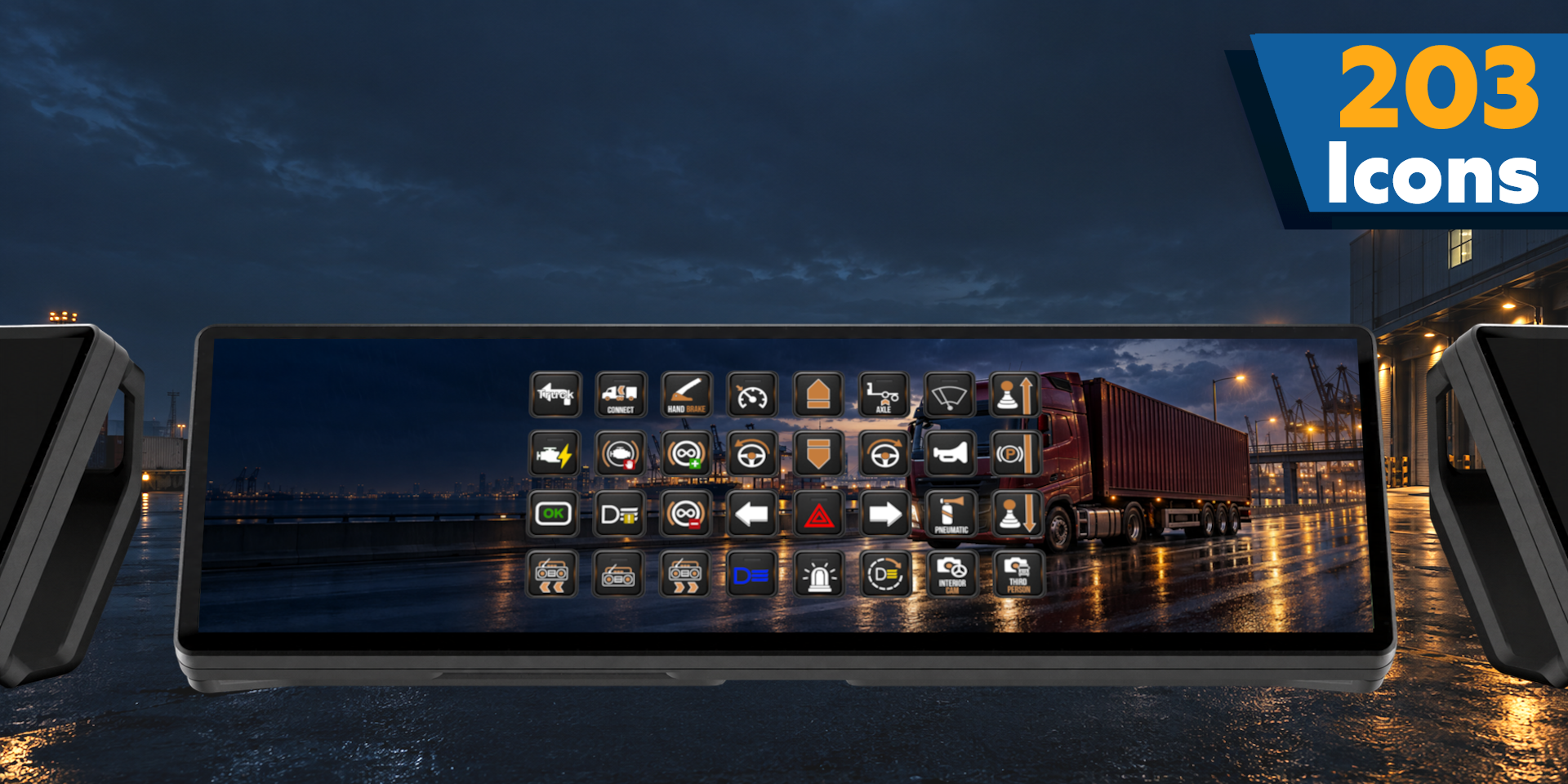
203 icons included
Take control of every journey with this Euro Truck Simulator 2 profile pack for the CORSAIR XENEON EDGE. Built for your touchscreen, it keeps essential controls within reach while you haul cargo, manage your truck, and explore the roads of Europe.
What’s Included
This pack includes custom-designed icons and a ready-to-use Virtual Stream Deck profile tailored to the XENEON EDGE. Pre-configured macros and hotkeys use Euro Truck Simulator 2’s default key bindings, giving you convenient touchscreen access to vehicle controls, lights, indicators, wipers, cruise control, engine functions, camera views, trailer controls, and more. Trucking-themed backgrounds complete your setup.
Pre-configured buttons cover the game’s default key bindings, with additional icons for functions that have no key assigned by default. The icon pack and raw icon files are included.
Customization
The default layout follows the natural flow of Euro Truck Simulator 2 gameplay, with buttons you can move and configure to suit your truck setup and driving style. Personalize your controls through the Stream Deck software for short deliveries, long-distance hauls, convoy sessions, or relaxed open-road driving.
Requirements
Requires a CORSAIR XENEON EDGE and Stream Deck software with Virtual Stream Deck support. If you use custom in-game key bindings, adjust the profile’s hotkeys to match. Functions without default bindings require you to assign a key in the game and configure the corresponding button.
Disclaimer
This pack is an unofficial community creation and is not affiliated with or endorsed by SCS Software or the developers and publishers of Euro Truck Simulator 2. All trademarks, copyrights, and other intellectual property belong to their respective owners. We will continue to provide new icons and profile updates as the game evolves
Designed for Xeneon Edge. See the product description for required software and installation steps.